

Meet Plannie Assistant
Les articles d’aide sont pour l’instant disponibles uniquement en anglais.
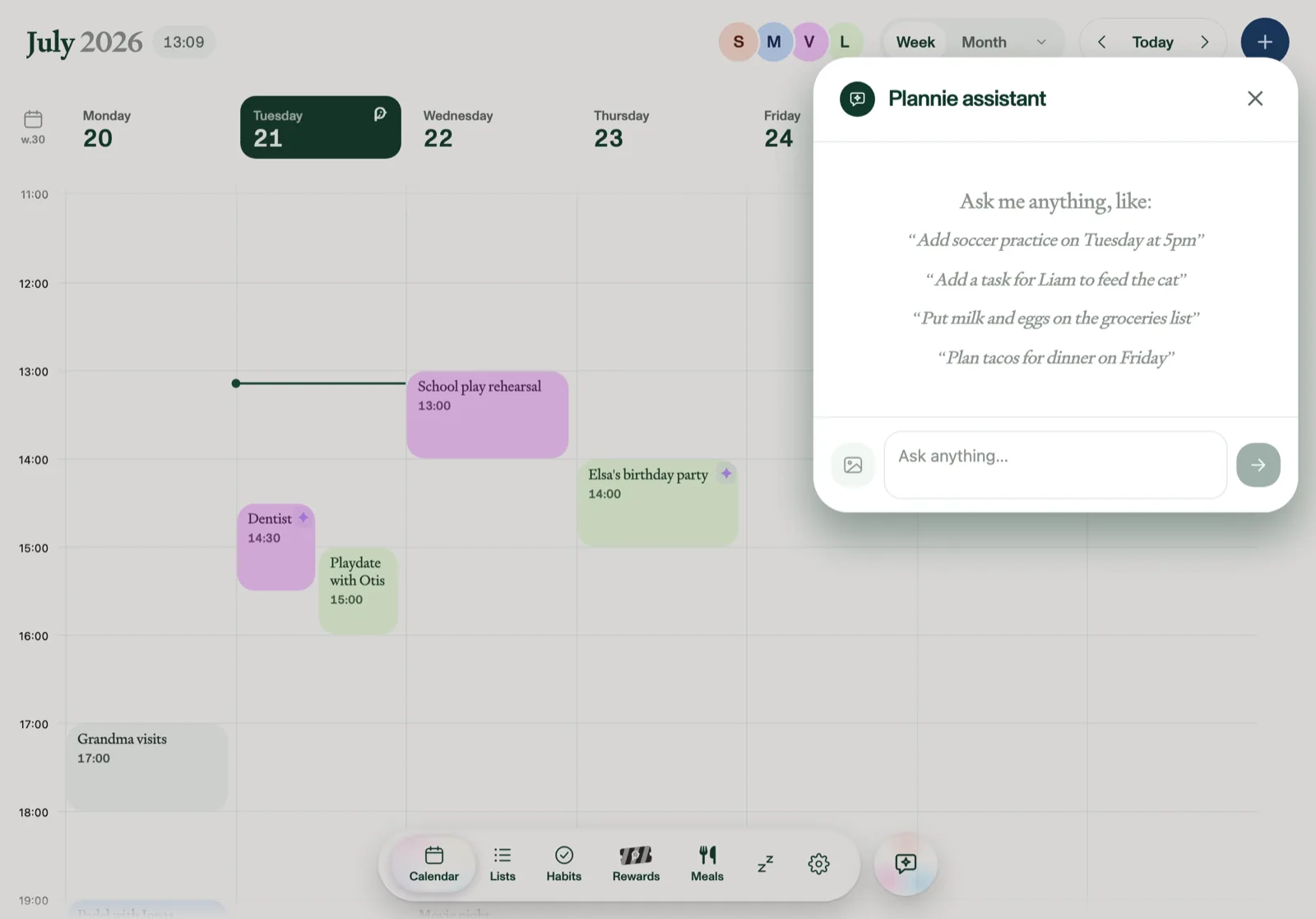
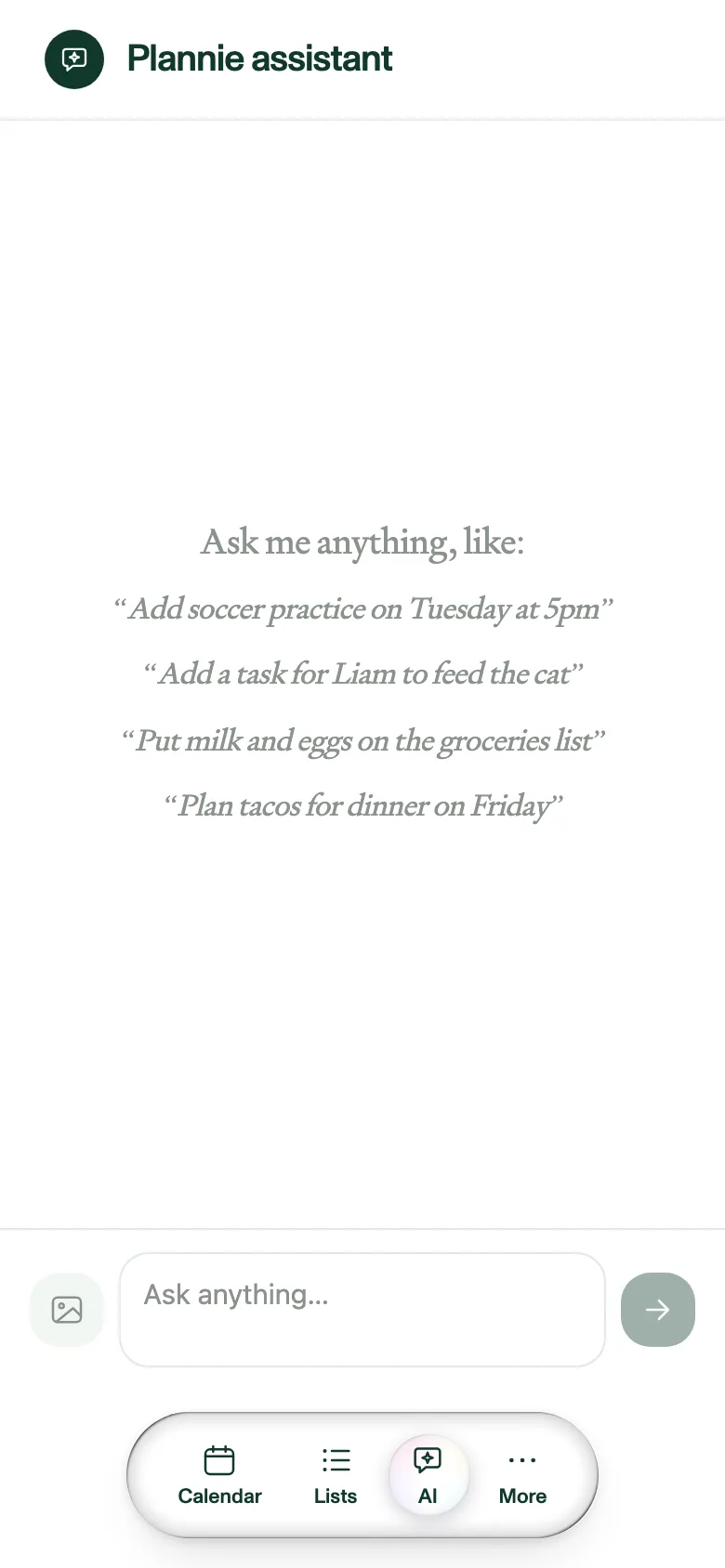
Plannie Assistant is the sparkle button in the corner of the app. On a tablet it opens as a compact chat popover; on a phone it opens as a full-screen chat, with the tab bar still in reach. Ask it in plain language and it does the busywork, with no forms and no tapping through menus. It's part of Plannie Premium. On the free plan the same button opens the chat view with a short note about what the Assistant does, plus an Upgrade to Premium button in the browser. In the iPhone, iPad, and Android apps the Assistant is open to every family while we launch, and there's nothing to buy in the app.
What it can do
- Calendar: "Add soccer practice on Tuesday at 5pm". It picks the right member too.
- Lists: "Put milk and eggs on the groceries list". It creates the list if it doesn't exist. Name a deadline or a person (“add ‘return the form’ to the to-do list, due Friday, for Marcus”) and the to-do arrives with a due date and an assignee.
- Habits: "Add a task for Liam to feed the cat". It asks who, if it can't tell.
- Meals & recipes: "Plan tacos for dinner on Friday", create a recipe, or import one from a link.
- Groceries: build a shopping list from the week's planned meals.
You can attach up to four photos (a party invitation, a schedule) and it reads them. Sharing text to Plannie from another app opens this chat with that text already in the message box. Edit it or just send it as-is; a link you share goes to Magic Import instead, and so does a photo or PDF on Plannie Premium (on the free plan it's saved to Files). The conversation carries across follow-ups ("actually make it 6pm"), and the compose icon starts fresh.
Safe by design
Every action shows a summary with its own Undo button, everything it does is attributed in the Activity log, and it won't add the same thing twice. Thumbs up/down on any reply helps it improve.
Fair use
Every household shares a generous monthly AI allowance. Plannie never cuts you off. With unusually heavy use it switches to a lighter model for the rest of the month and shows a one-time notice.