One sentence
copy-readyPlannie is the shared family calendar and household organiser that gets the whole family's week onto one page: calendar, chores and rewards, meals and lists, and an assistant that files whatever you send it.


 PRESS KIT
 This page is for journalists, bloggers and creators. It's a quick read to decide whether Plannie is worth your time, plus the screenshots, logos and facts you're free to use.
Three lengths of the same story. Take whichever one fits your piece. You don't need to ask.
Plannie is the shared family calendar and household organiser that gets the whole family's week onto one page: calendar, chores and rewards, meals and lists, and an assistant that files whatever you send it.
Plannie is a shared family calendar and household organiser for the whole family. One colour-coded week syncs two ways with Google and Outlook, chores and habits earn tickets or stars, meals turn recipe links into a grocery list, and the Plannie Assistant files whatever you forward, snap or say. It runs in any browser and on iPhone and iPad.
Plannie is the shared family calendar and household organiser that gets the whole family's week onto one page. The calendar is colour-coded per person, syncs both ways with Google Calendar and Outlook, and takes Apple and other ICS calendars as feeds. Chores, habits and rewards let kids tick off their routines, earn tickets or stars (each family picks the currency) and trade them for rewards their parents set. Meals turn a recipe link into dinner and its ingredients into the grocery list; lists hold photos, covers and headings like a document. Every household gets its own Family Inbox address, so a forwarded school letter, PDF or flyer becomes events, and the Plannie Assistant takes the rest by chat or Siri. There is an open REST API and MCP server for tinkerers. Plannie runs in any browser, in wall mode on a kitchen tablet, and as a native iPhone and iPad app, with Android in the works. It speaks English, Swedish, German, Spanish and French. Free forever to start; Plannie Premium covers the whole household.
Family life has never been more connected, and the expectations on a household have never been higher. Careers, school updates, practice schedules, meal plans, homework, birthday parties. The little things pile up into the invisible work of keeping a family running, and parents are still expected to stay present through all of it.
We built Plannie to help every family member succeed in everyday life.
So Plannie is built to carry that load rather than add to it. Parents get the support to be more present, kids get the support to feel prepared, and the week ends up with more calm, more clarity and a lot more room for actual life.
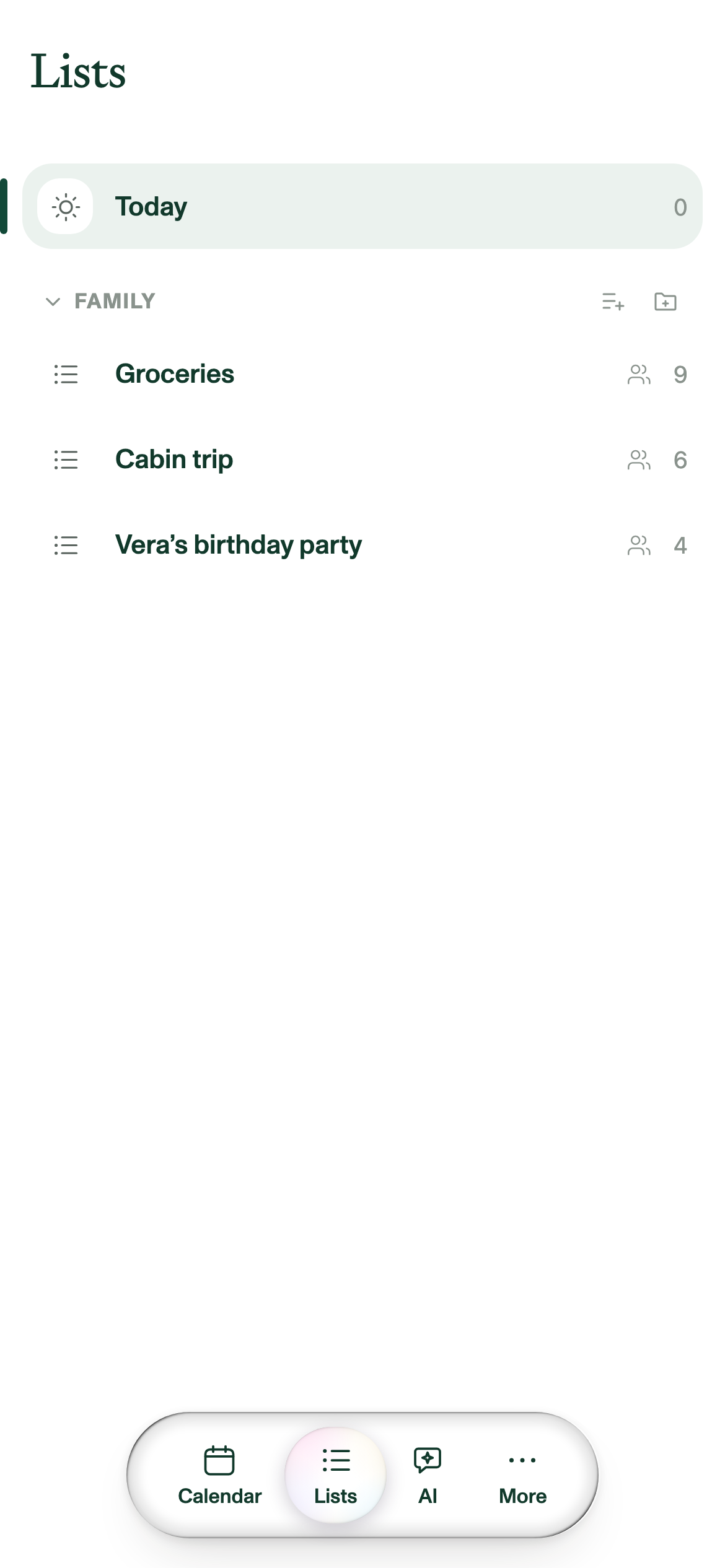
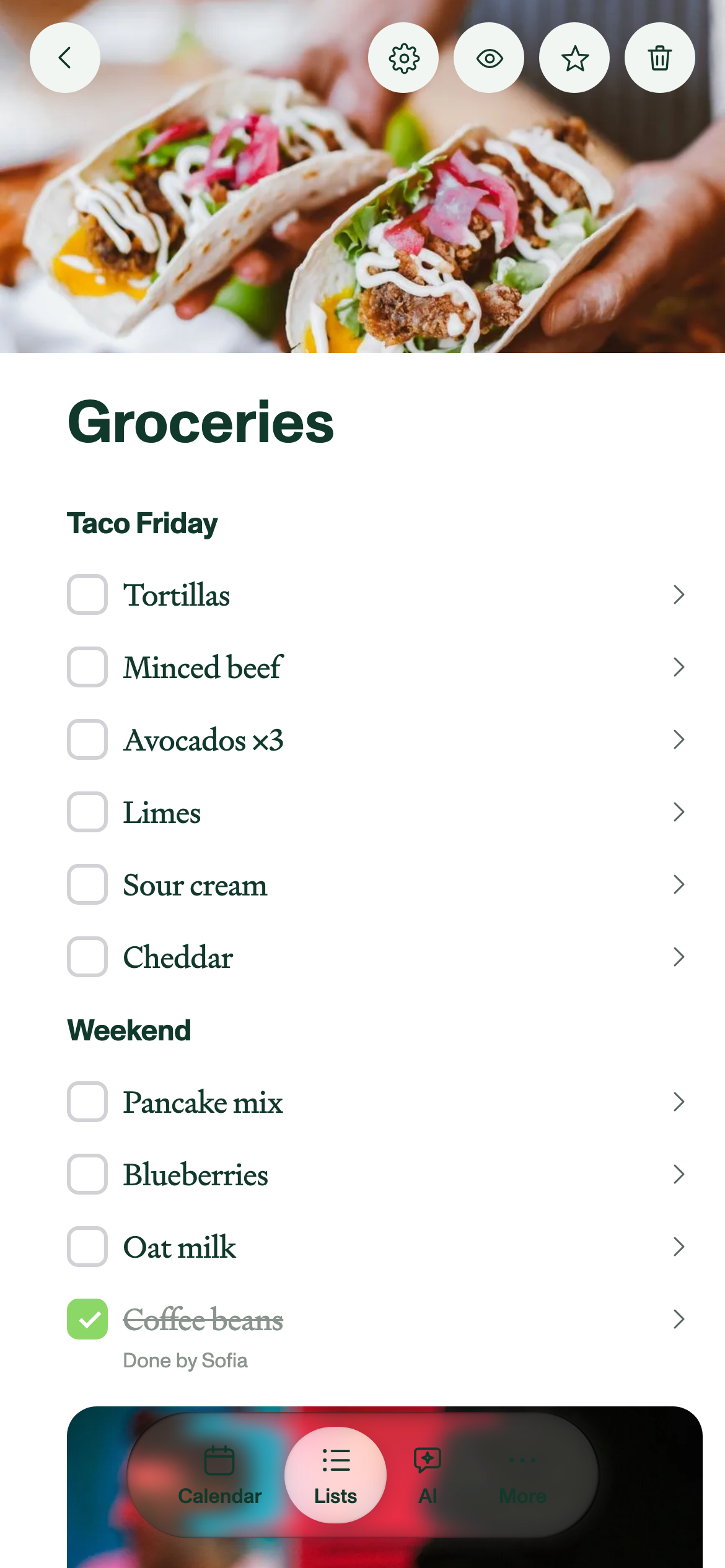
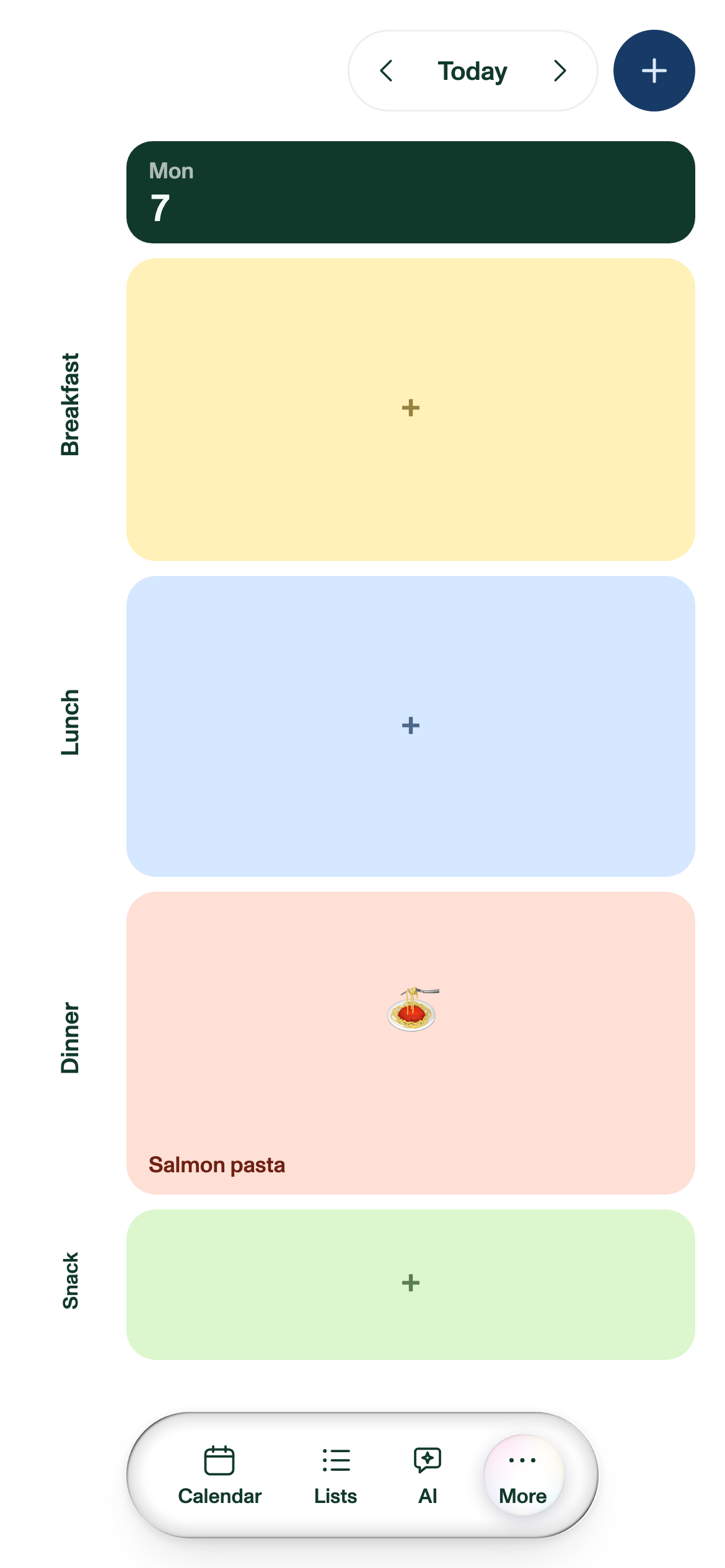
Every screenshot on this page is free to use. Follow the link under one for the full-resolution original, or take the whole set from the .zip at the top.
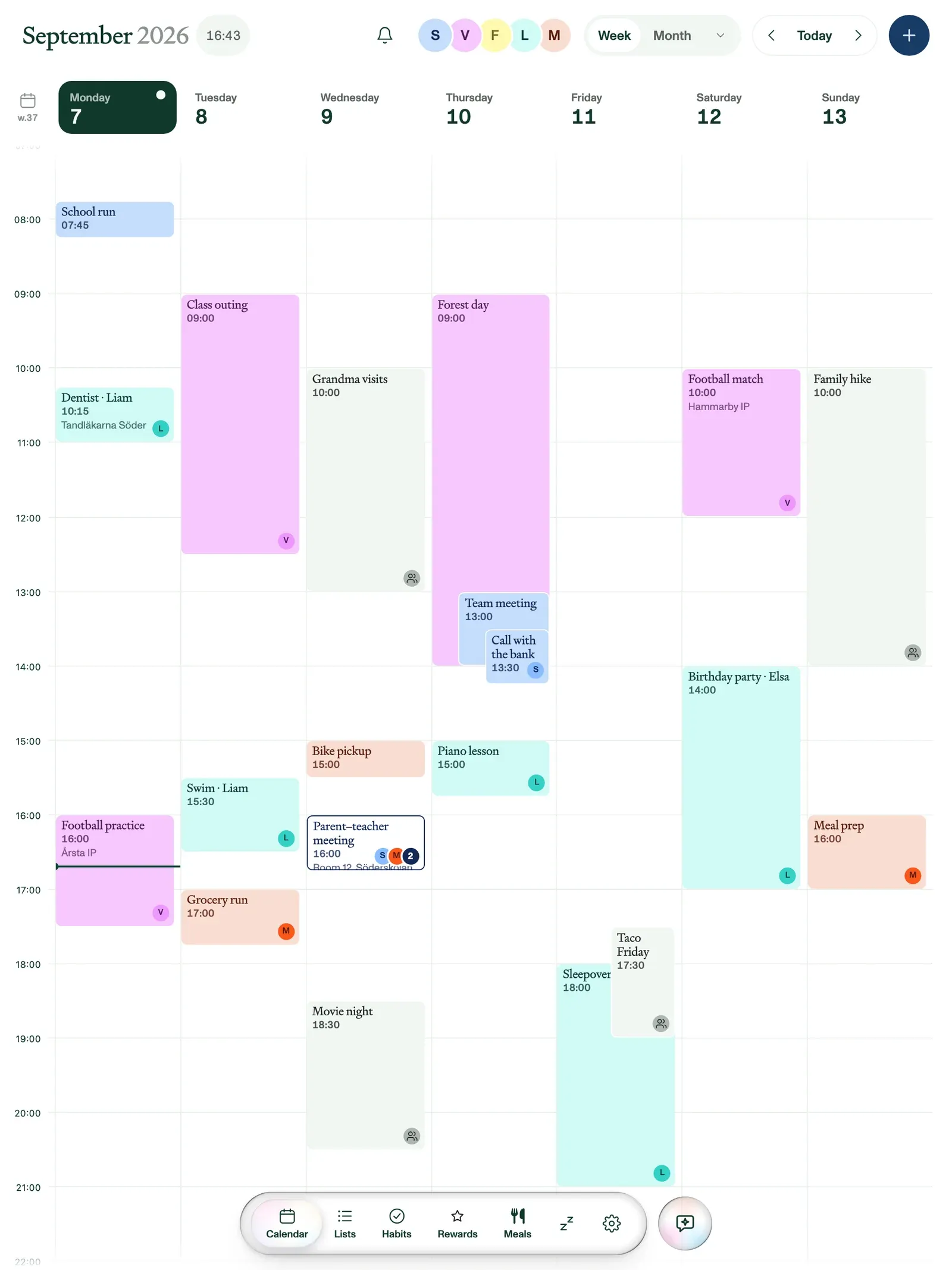
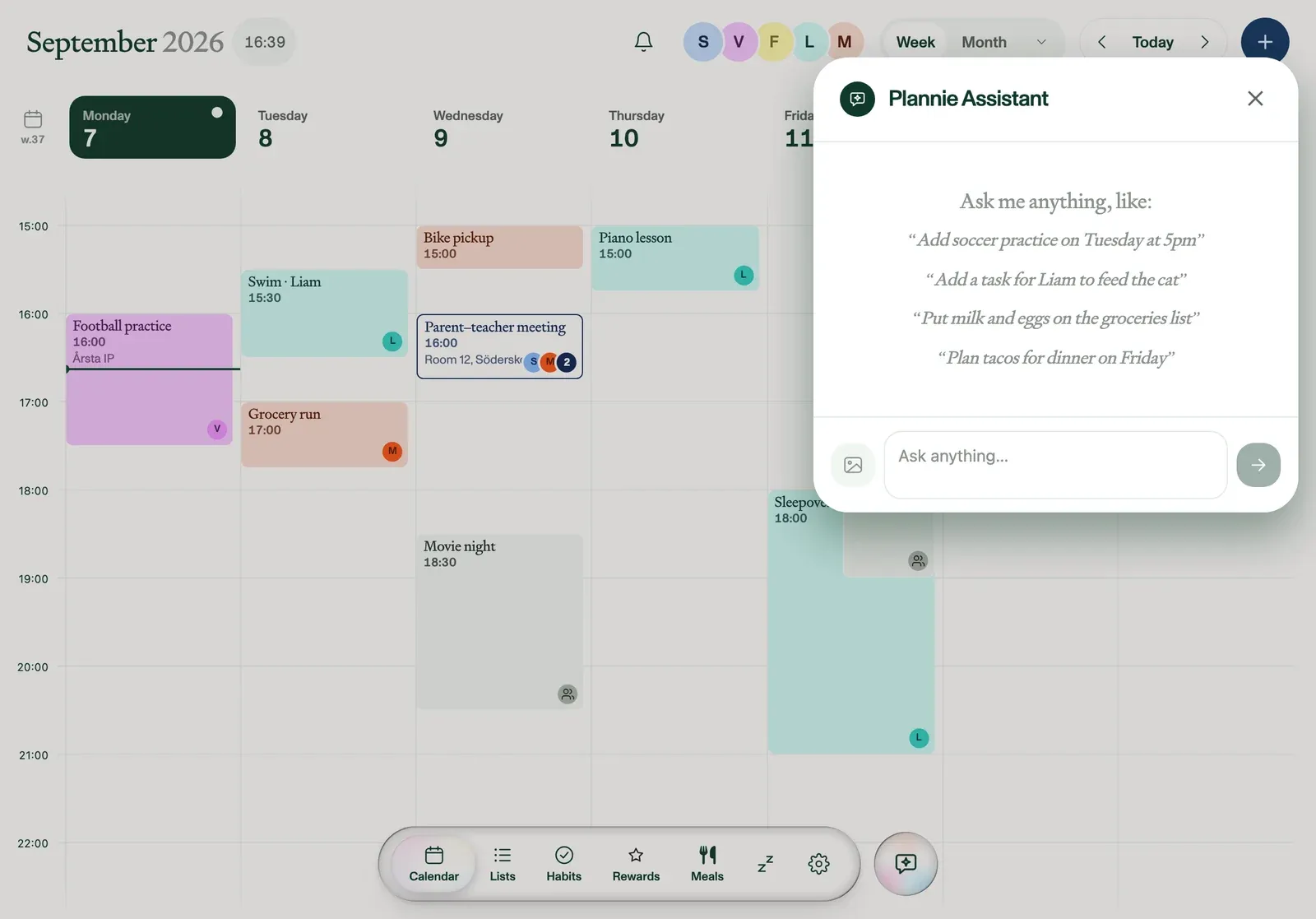
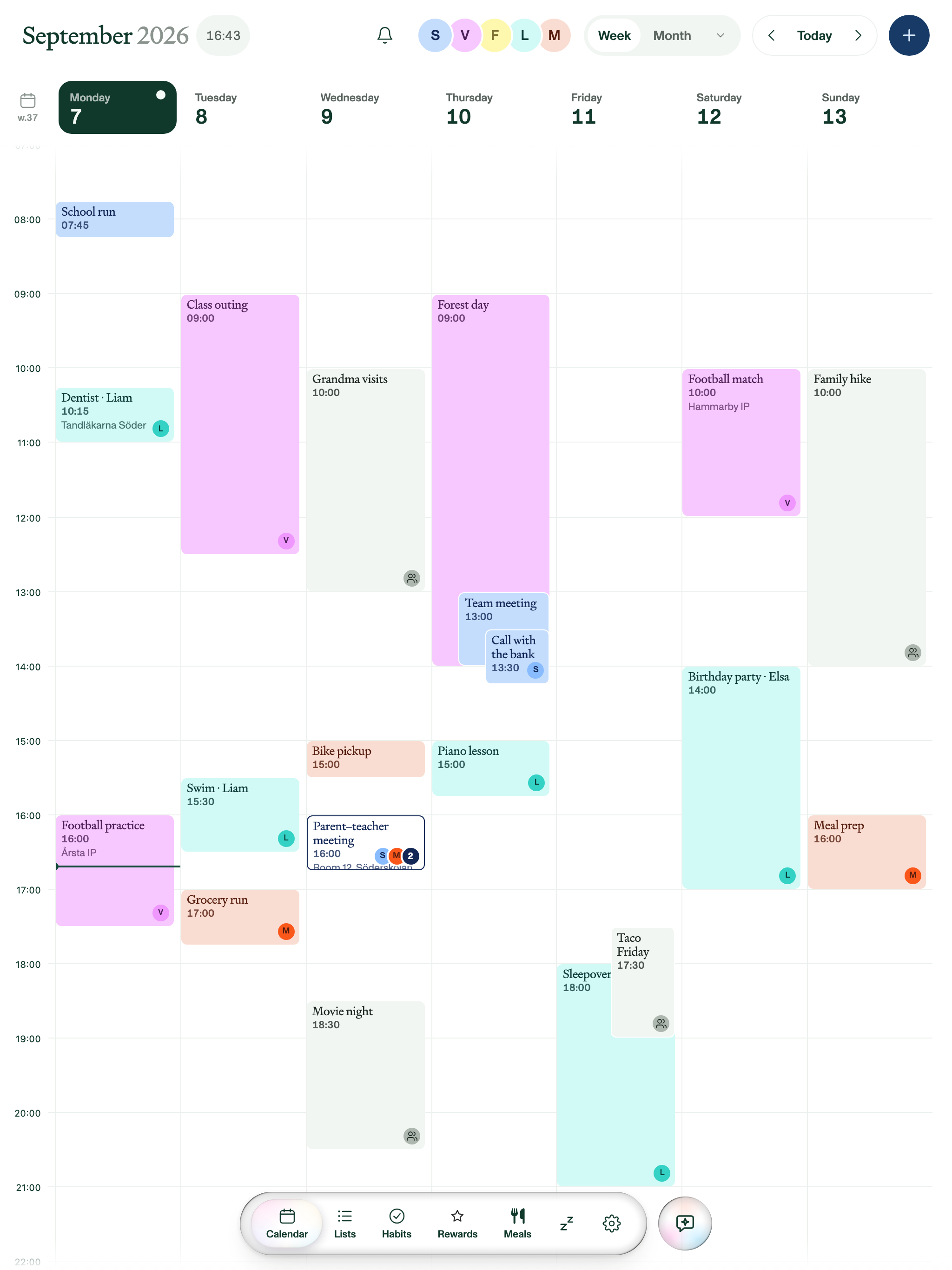
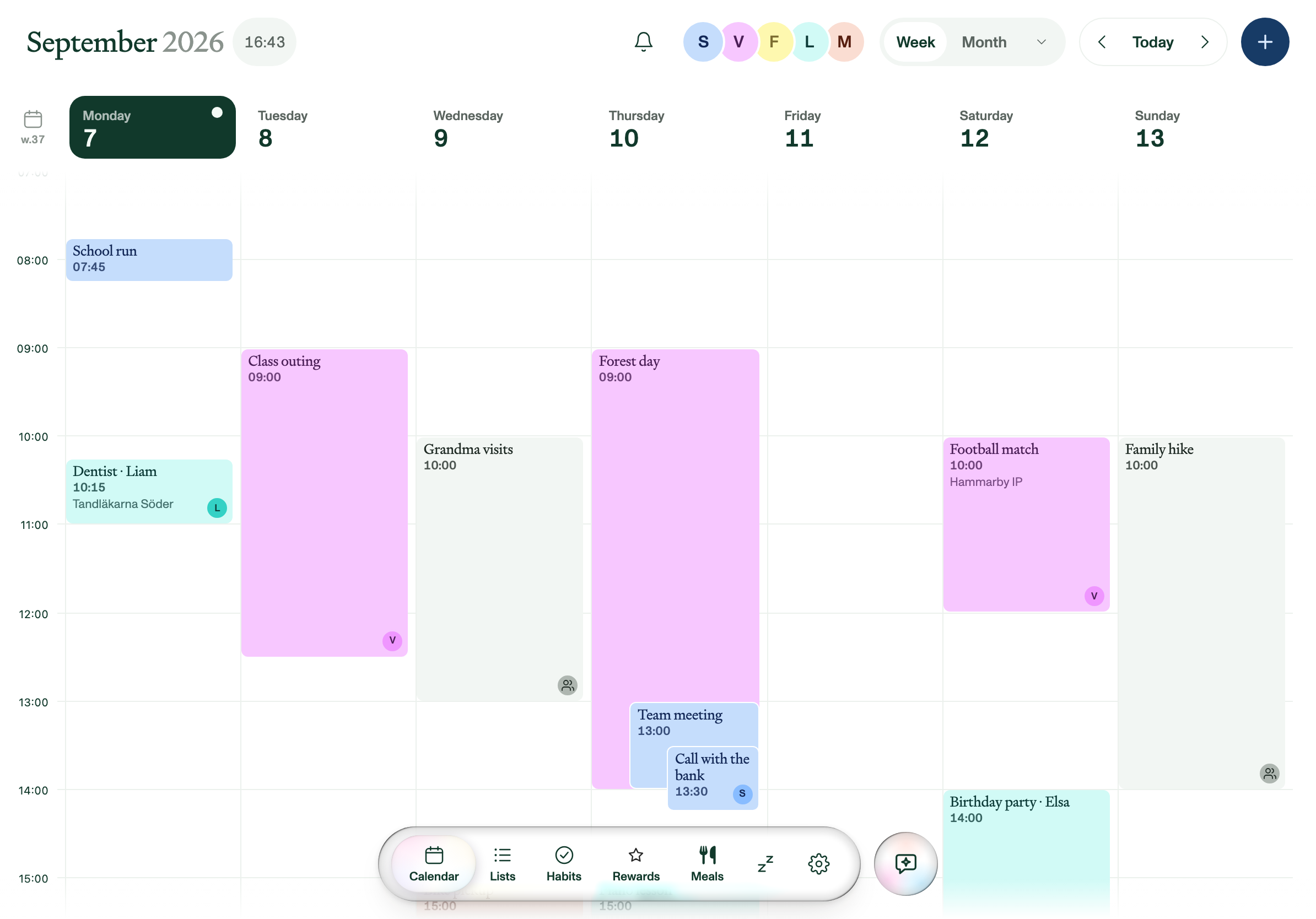
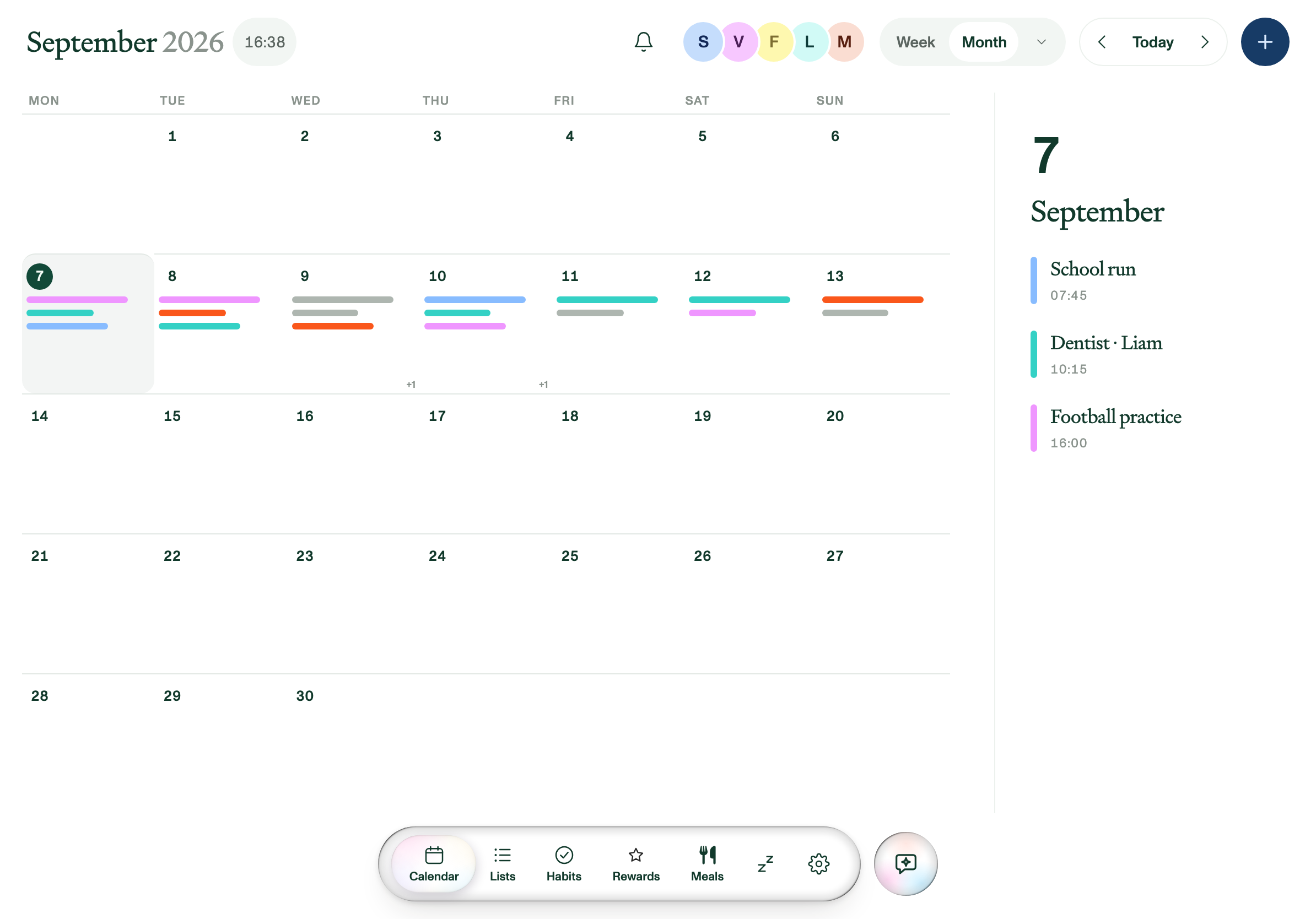
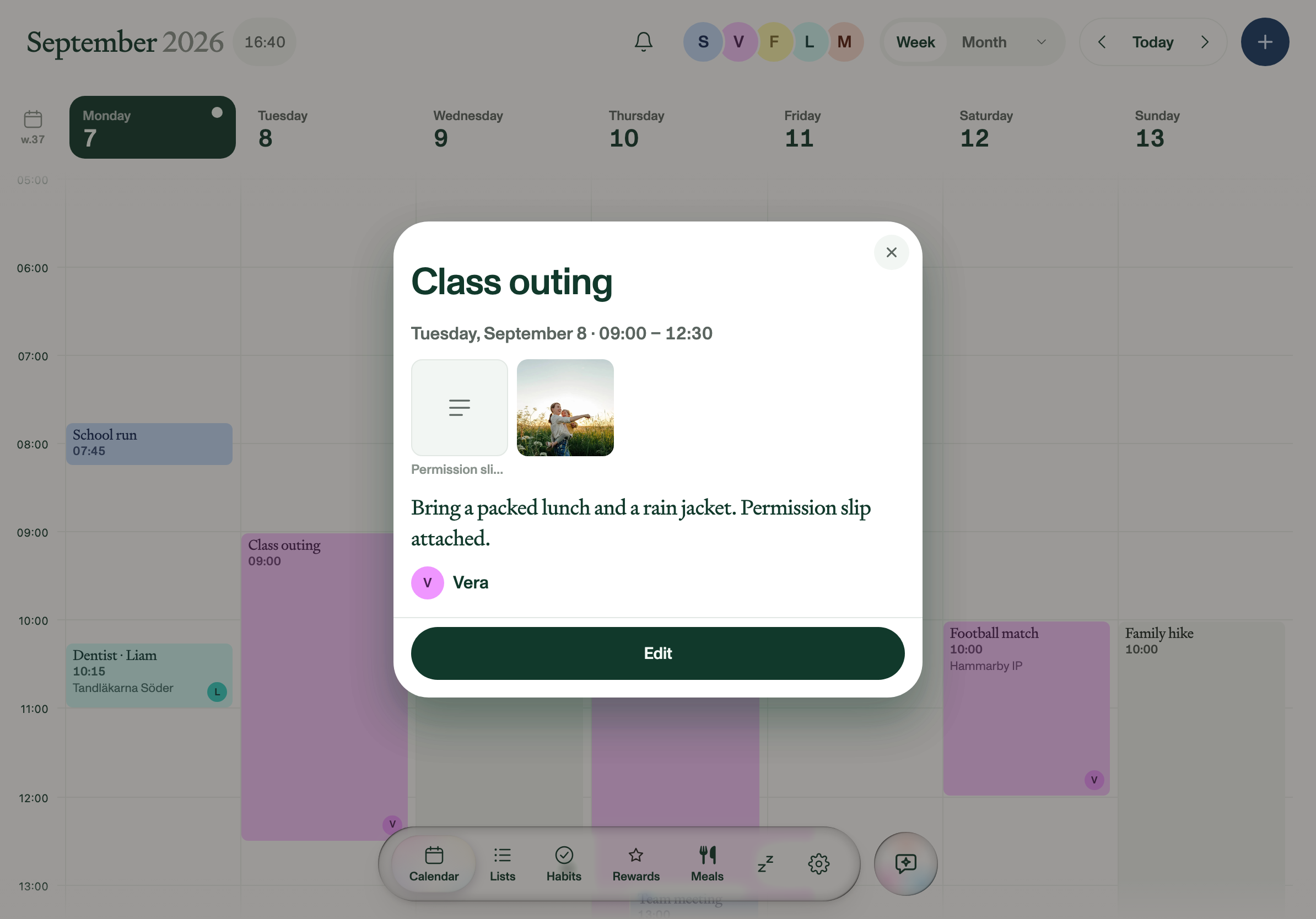
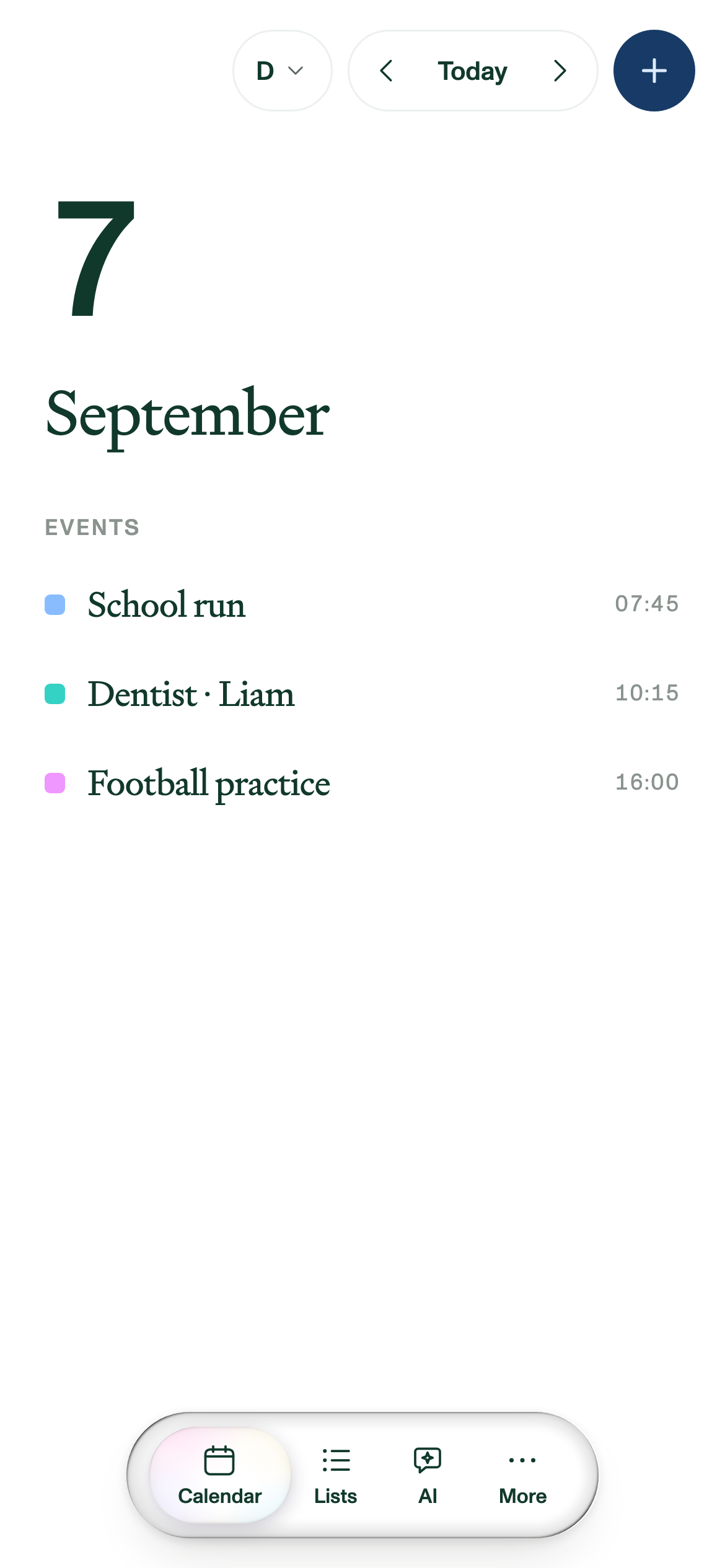
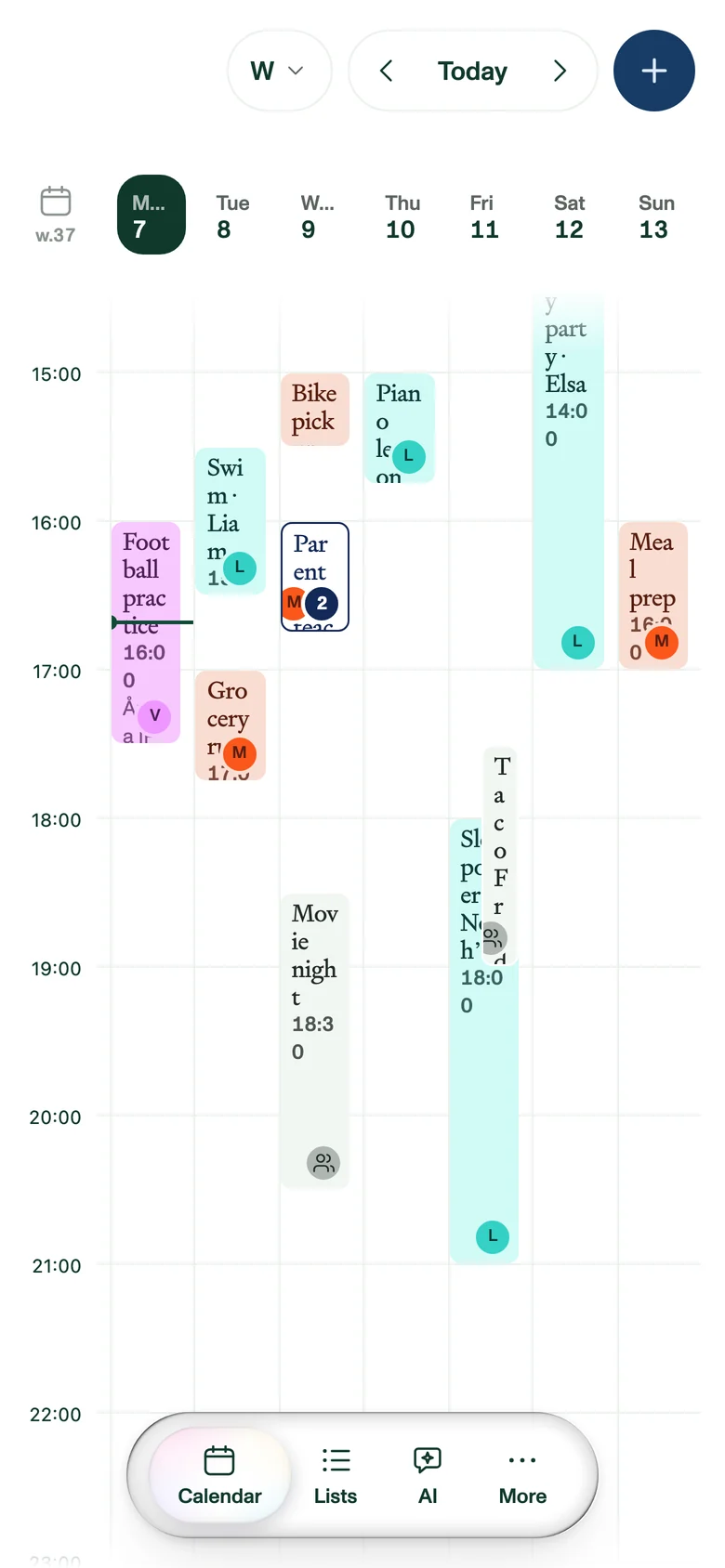
Everyone has their own colour, so a glance tells you whose afternoon is full. Overlapping events cascade, indented, instead of being squeezed into skinny columns, and you can switch between week, month and day. Google Calendar and Outlook sync both ways; Apple and other ICS calendars come in as feeds.
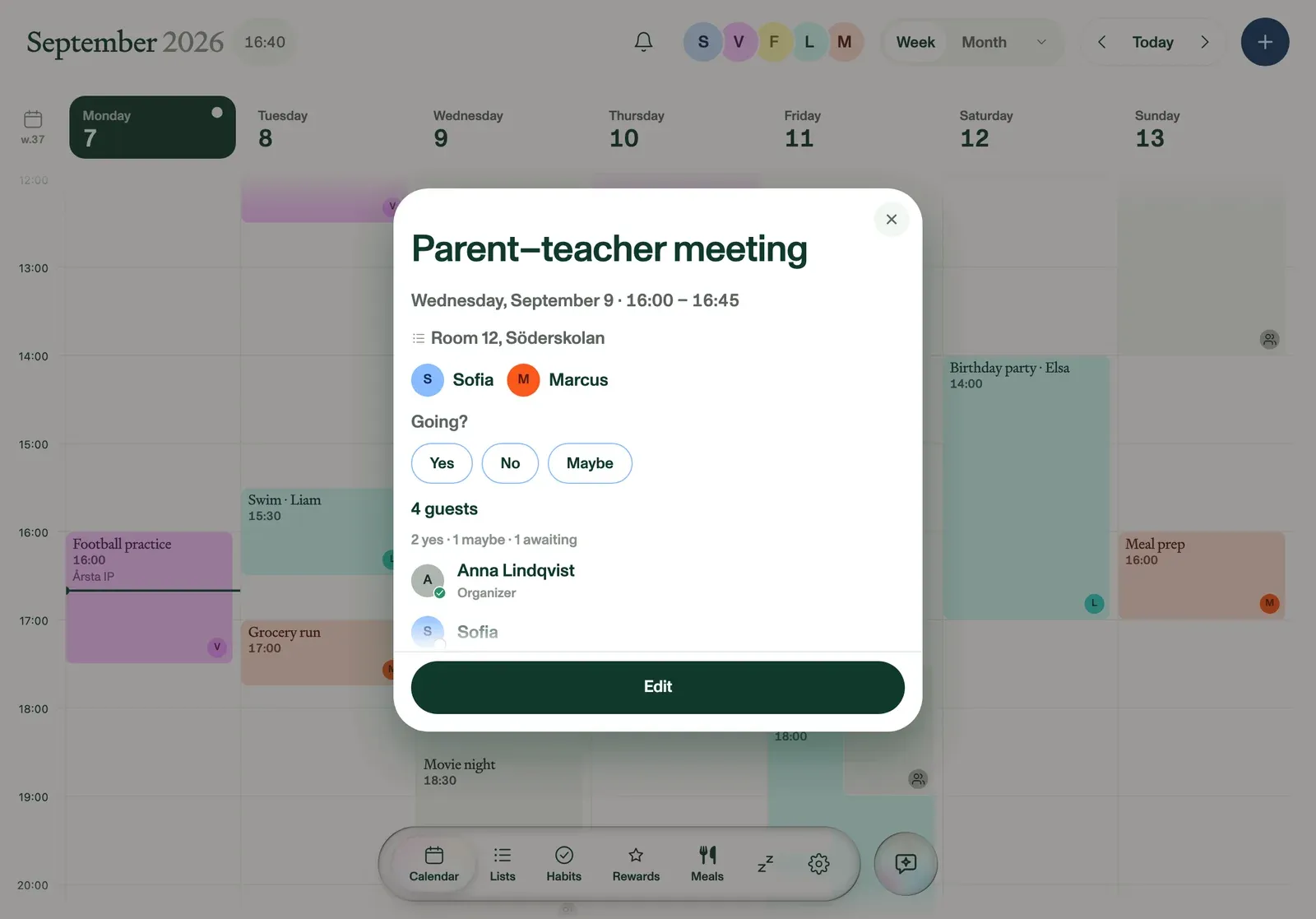
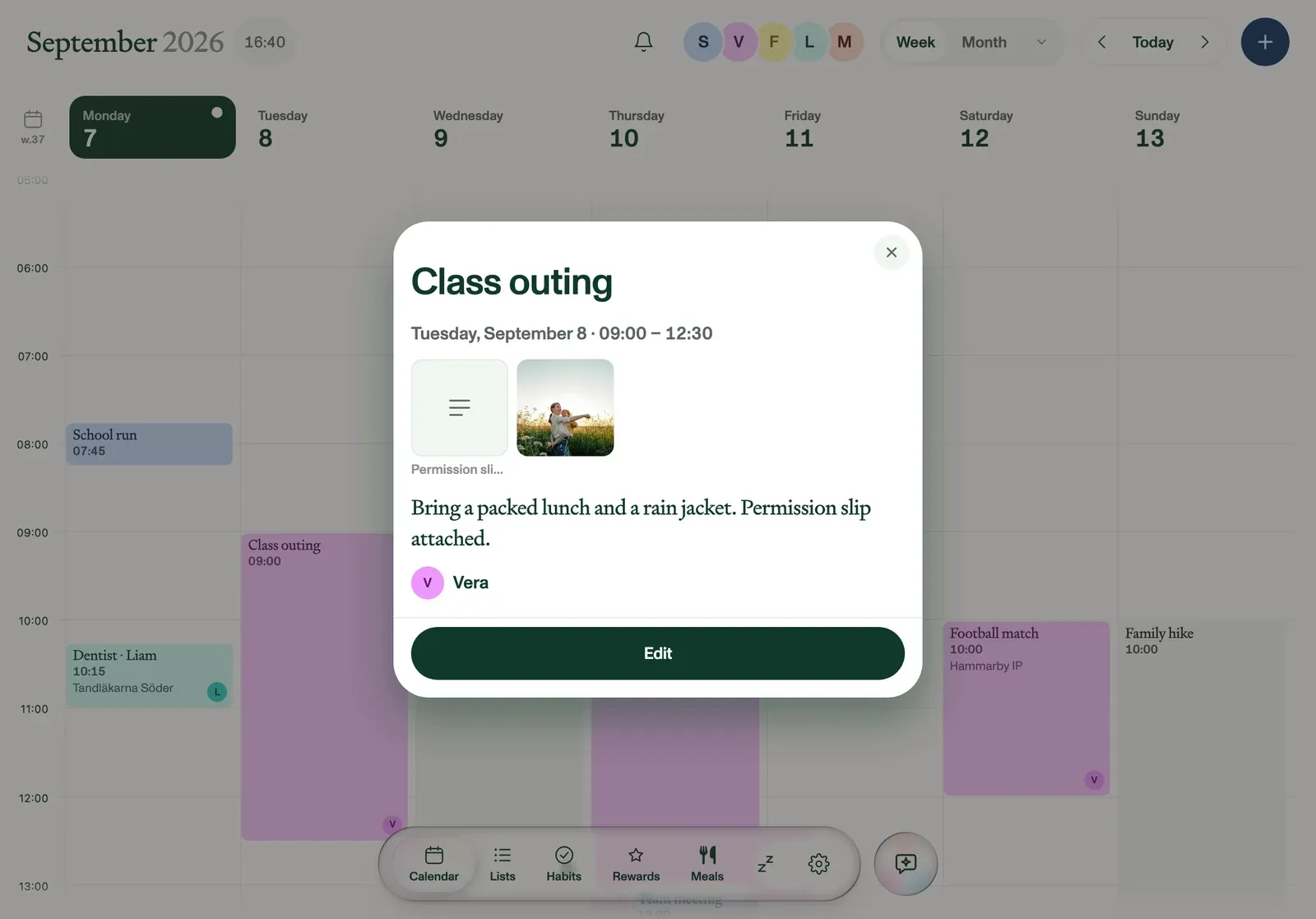
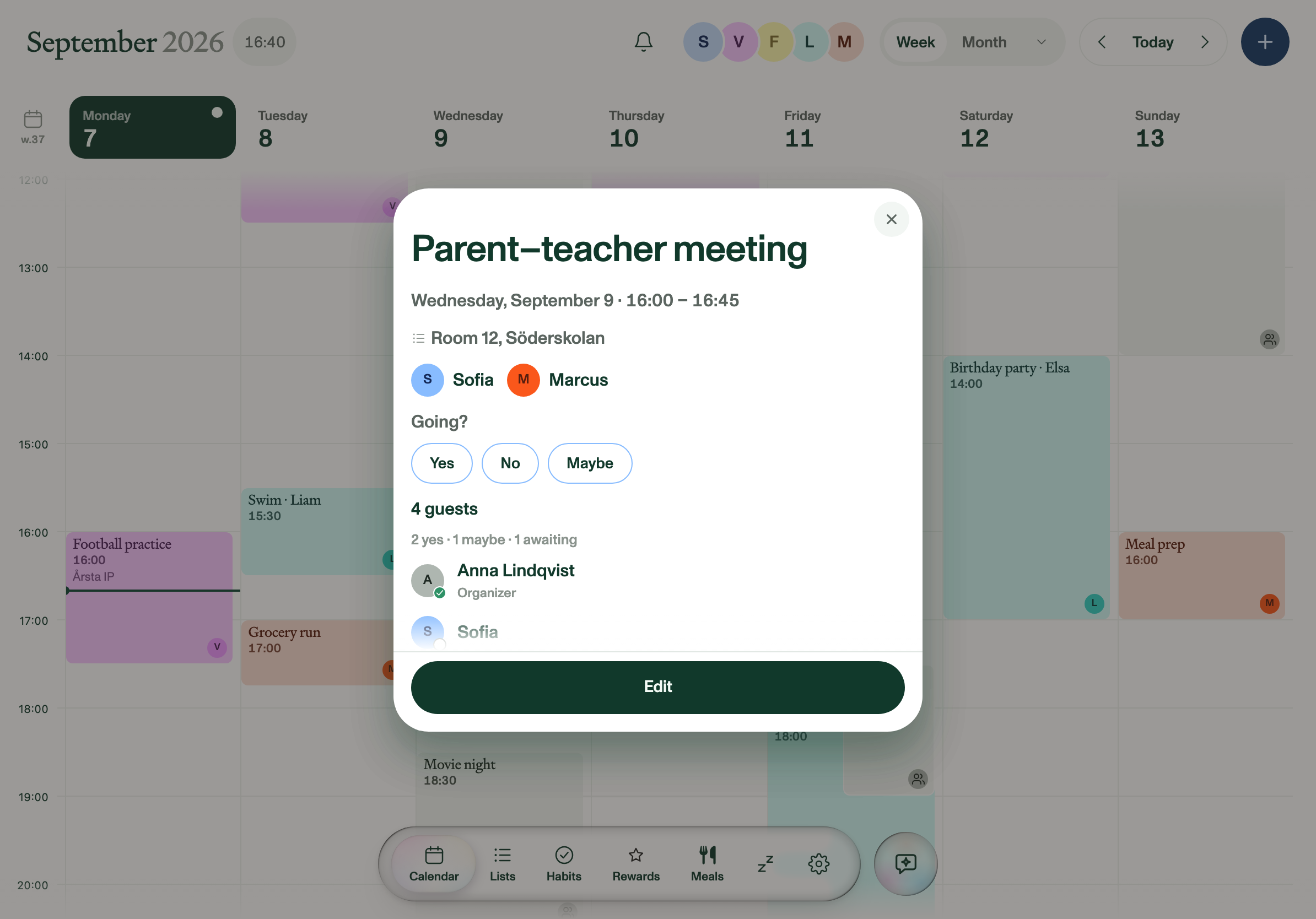
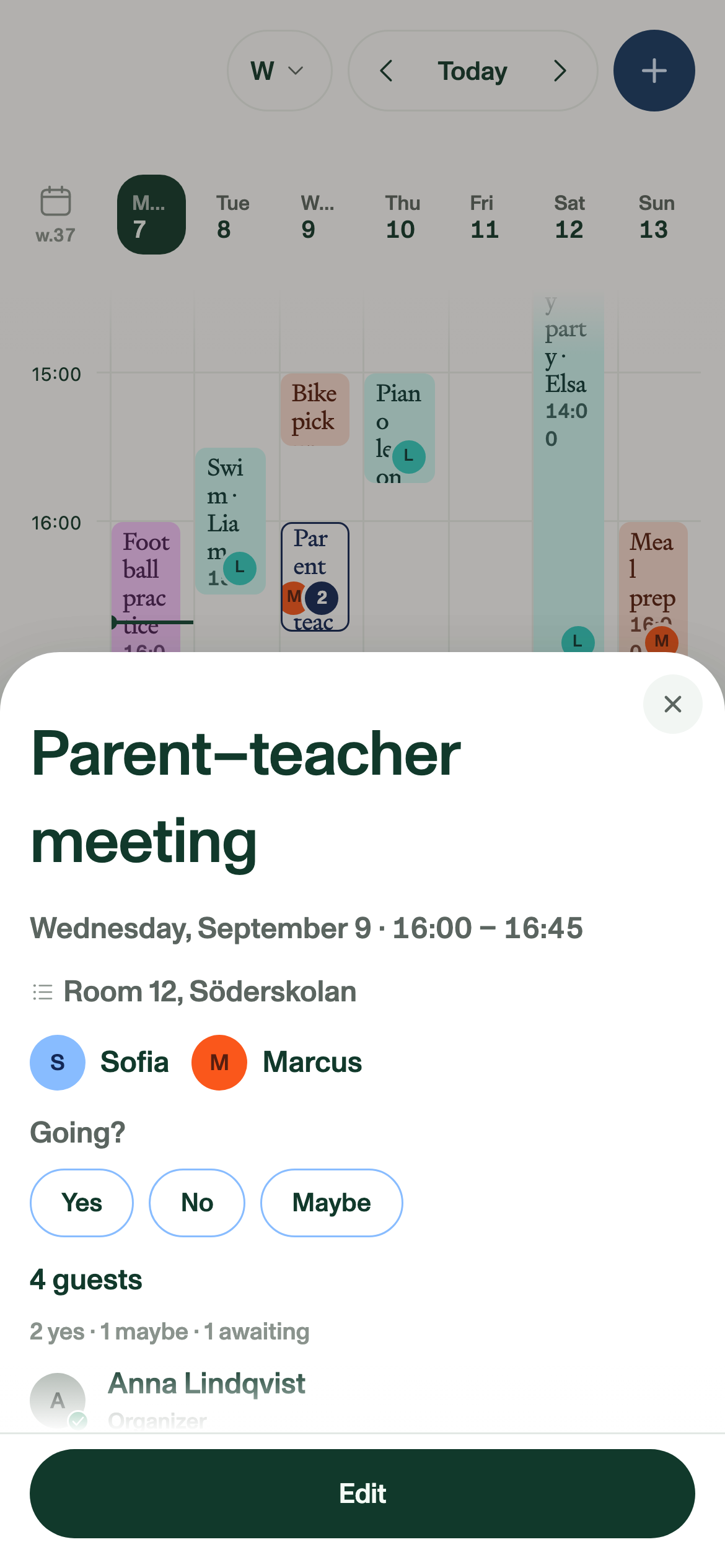
An event carries its guest list, so you can see who was invited and who has already said yes. On synced Google events you answer Yes, No or Maybe straight from Plannie. Attachments ride along too, so the permission slip stays on the event where the family will look for it.
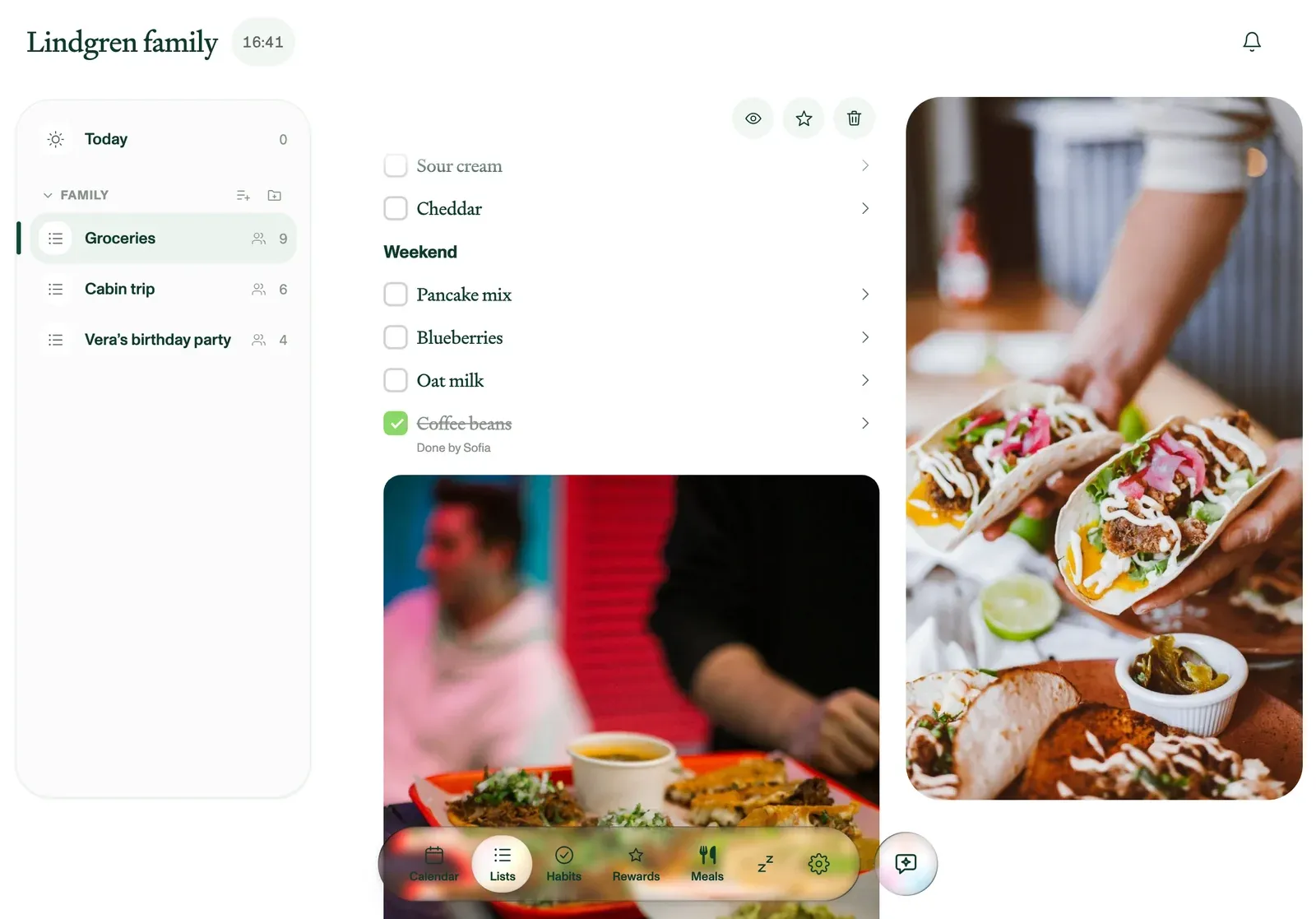
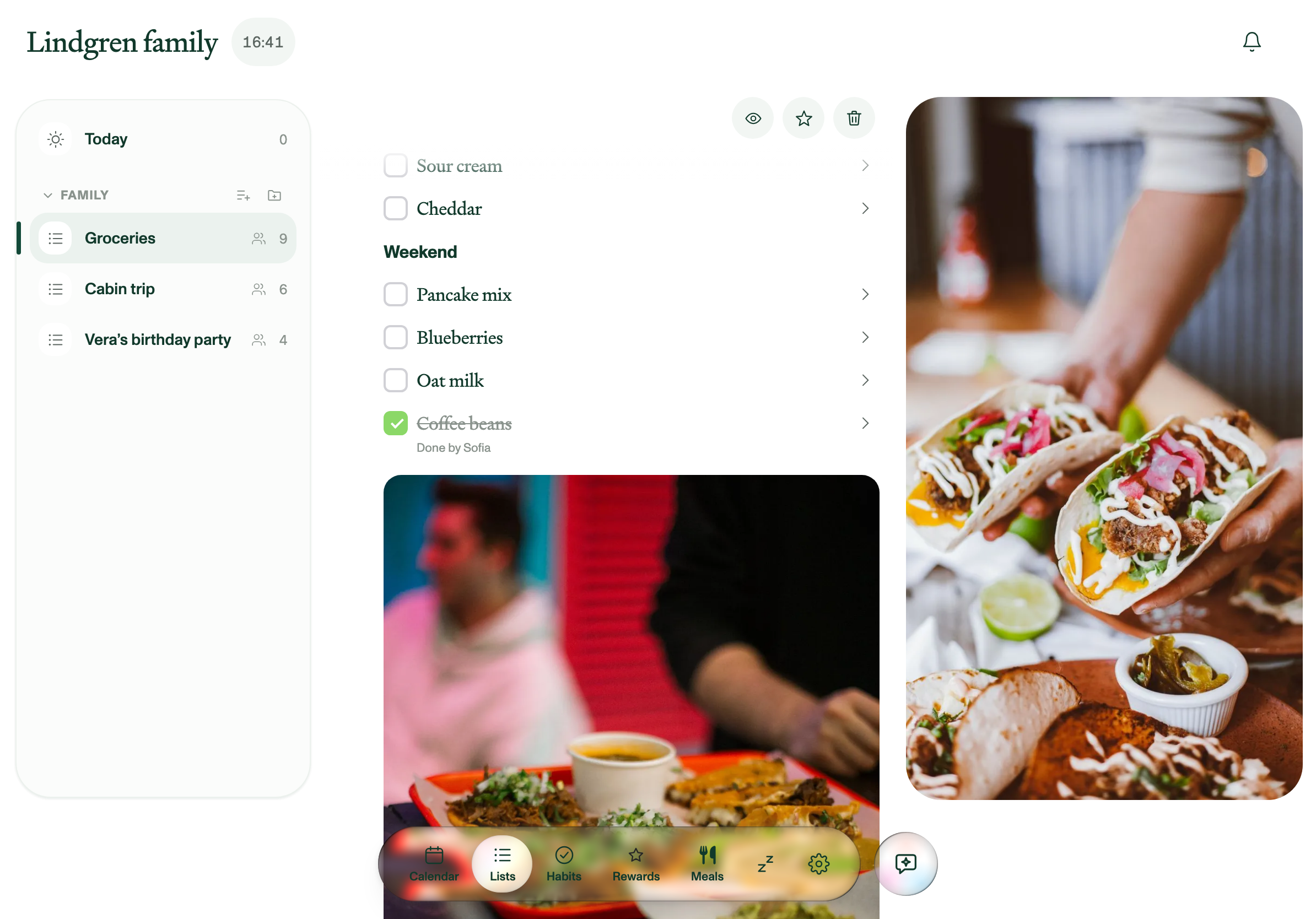
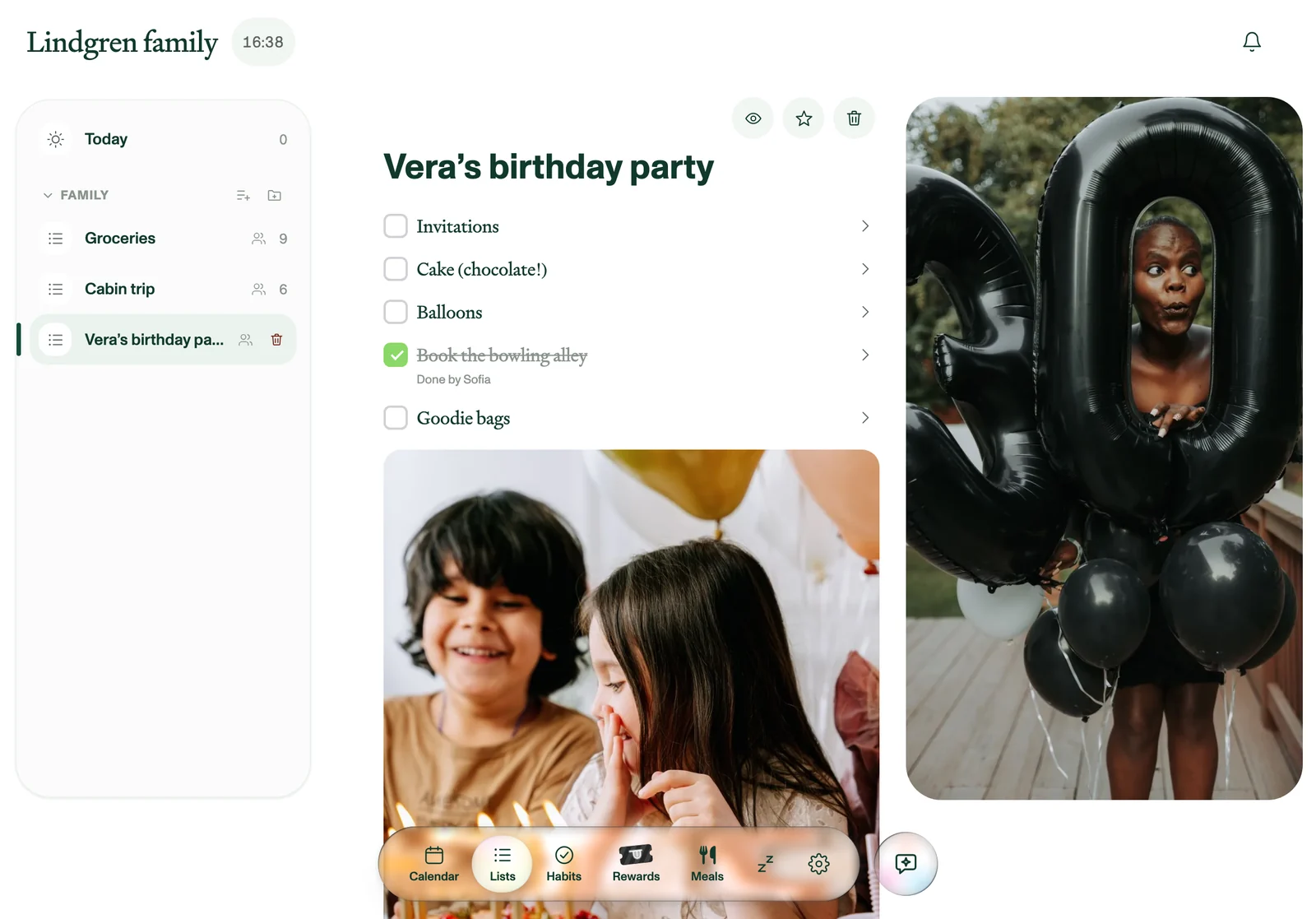
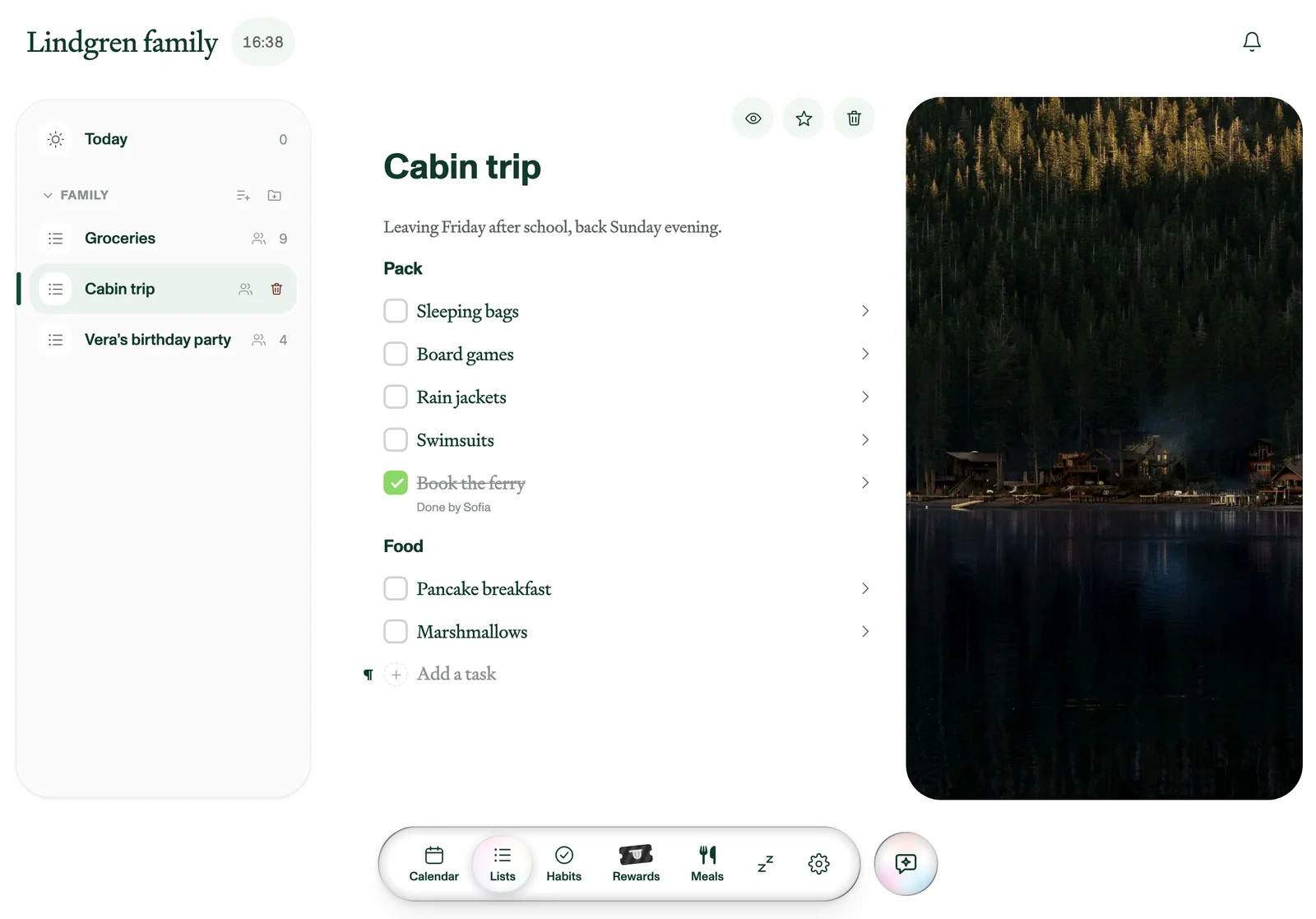
Type anywhere in a list, the way you would in a notes app. Drop photos in between the rows, give the list a cover, break it into headings, and select and copy across several rows at once.
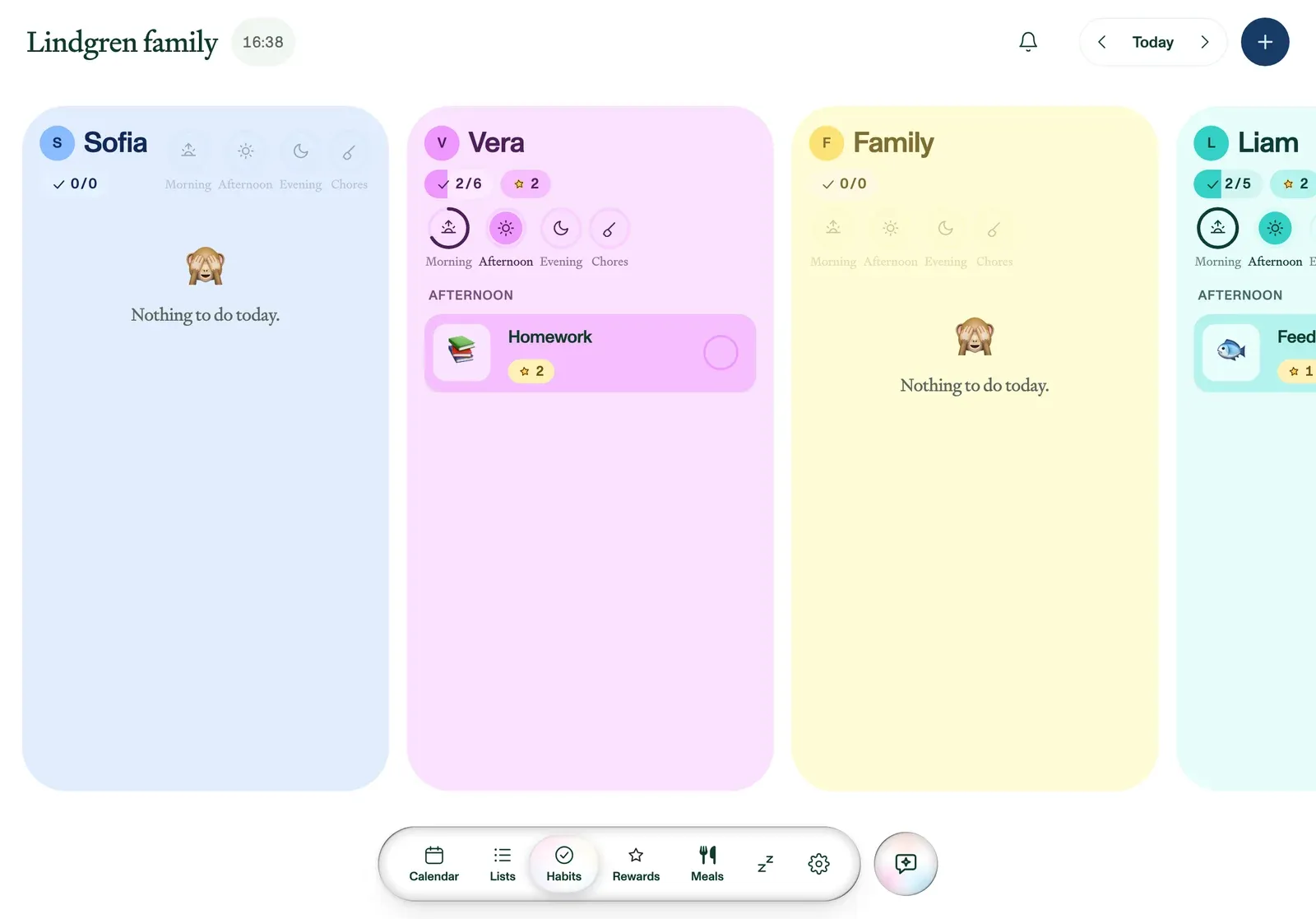
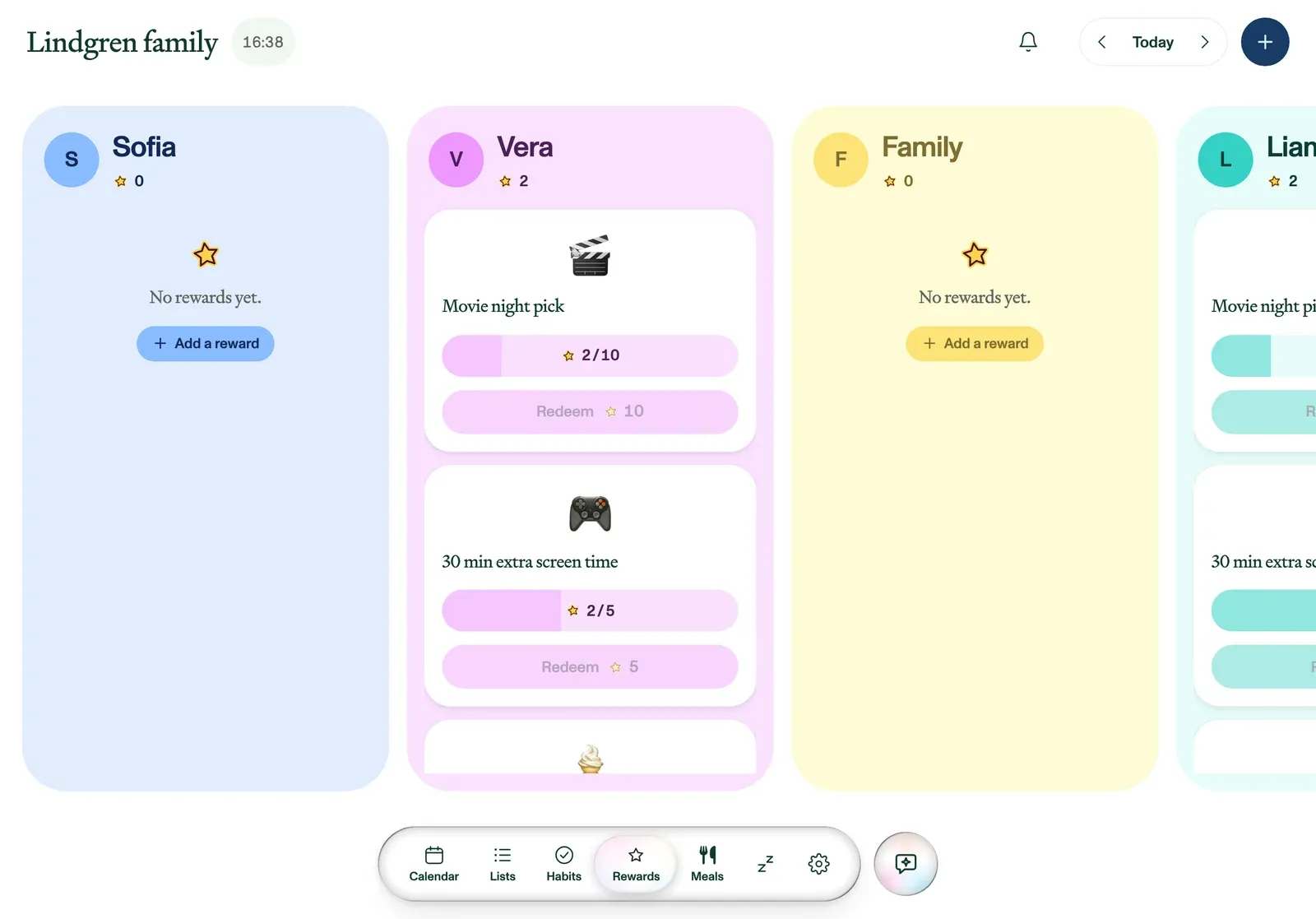
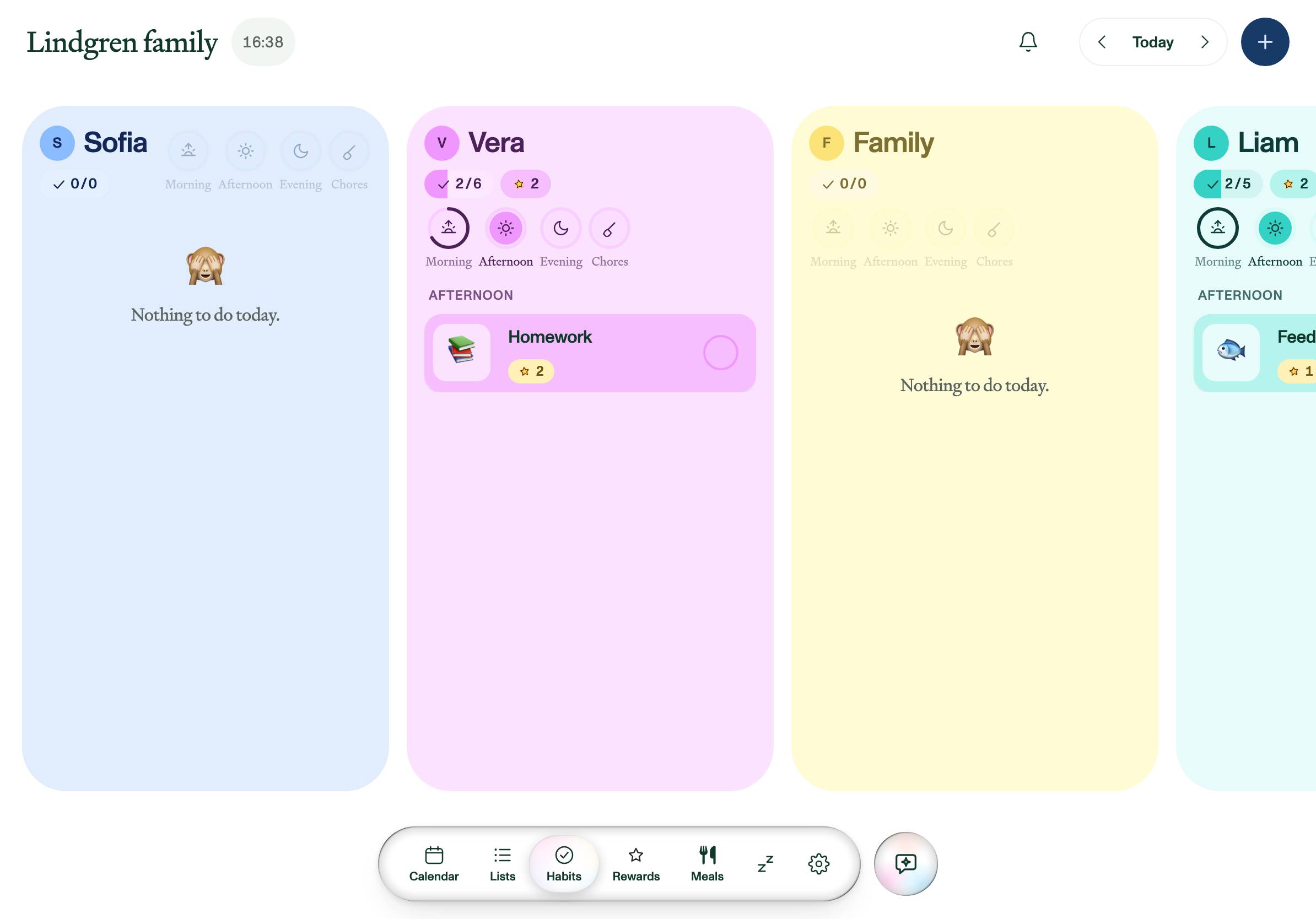
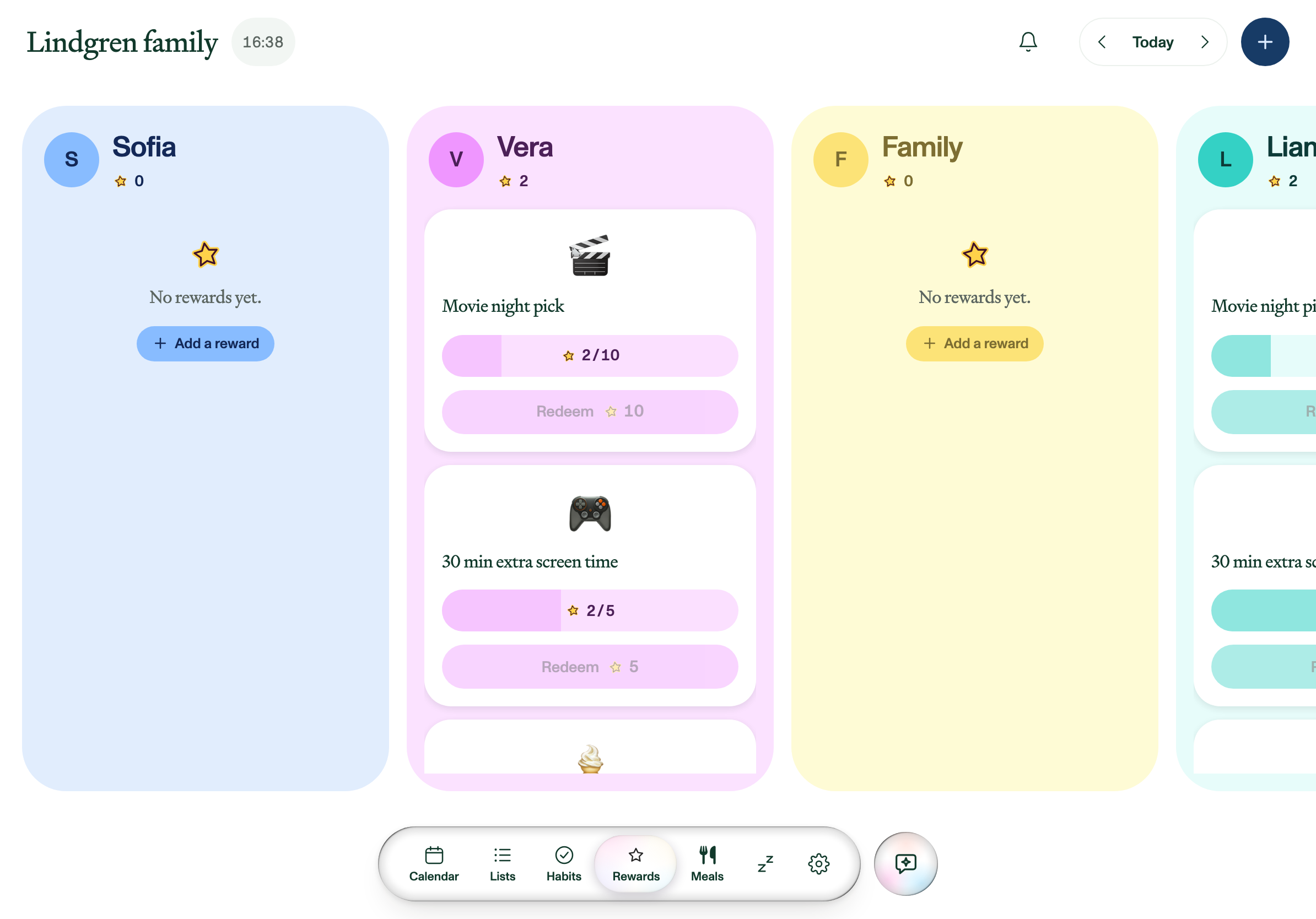
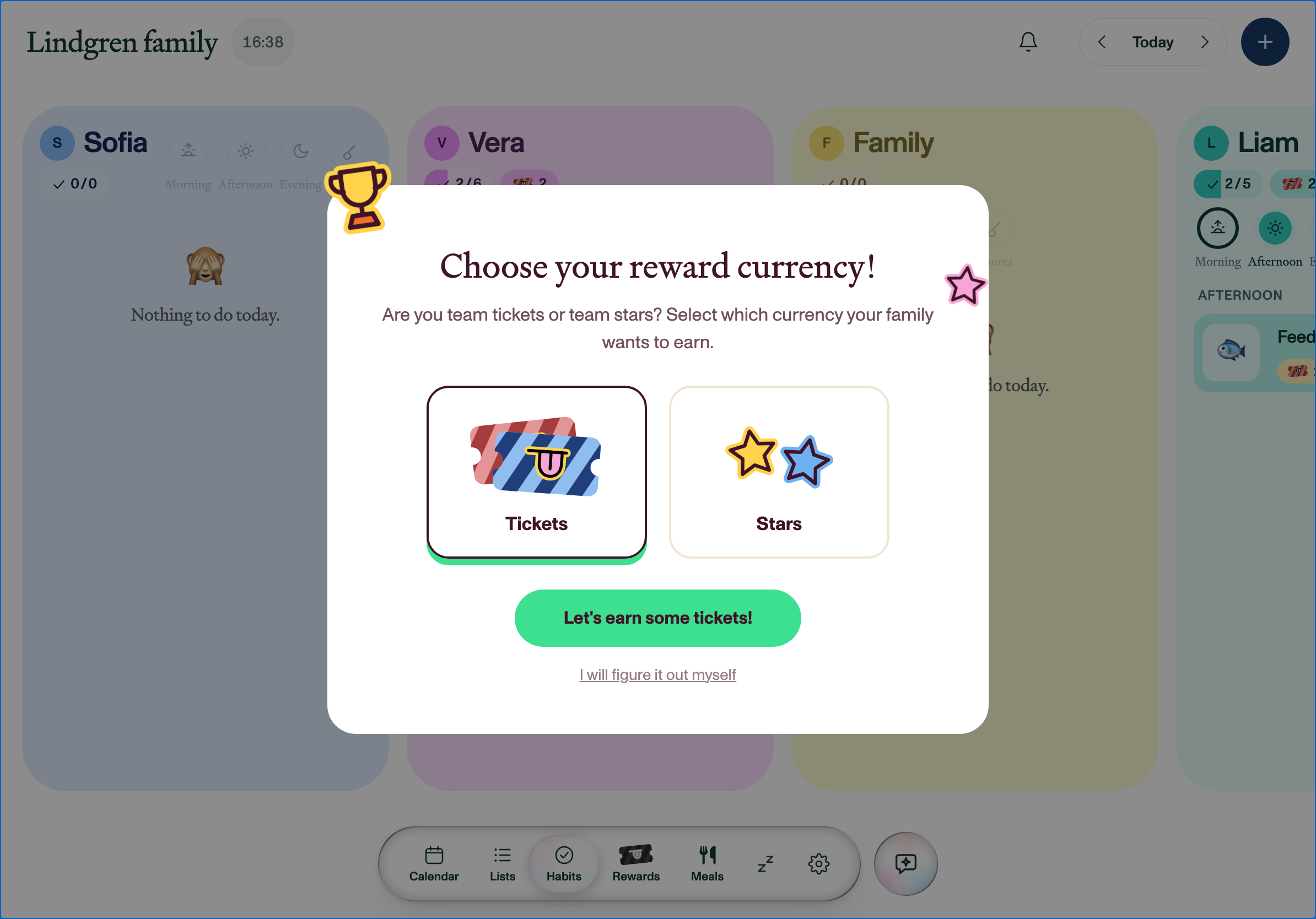
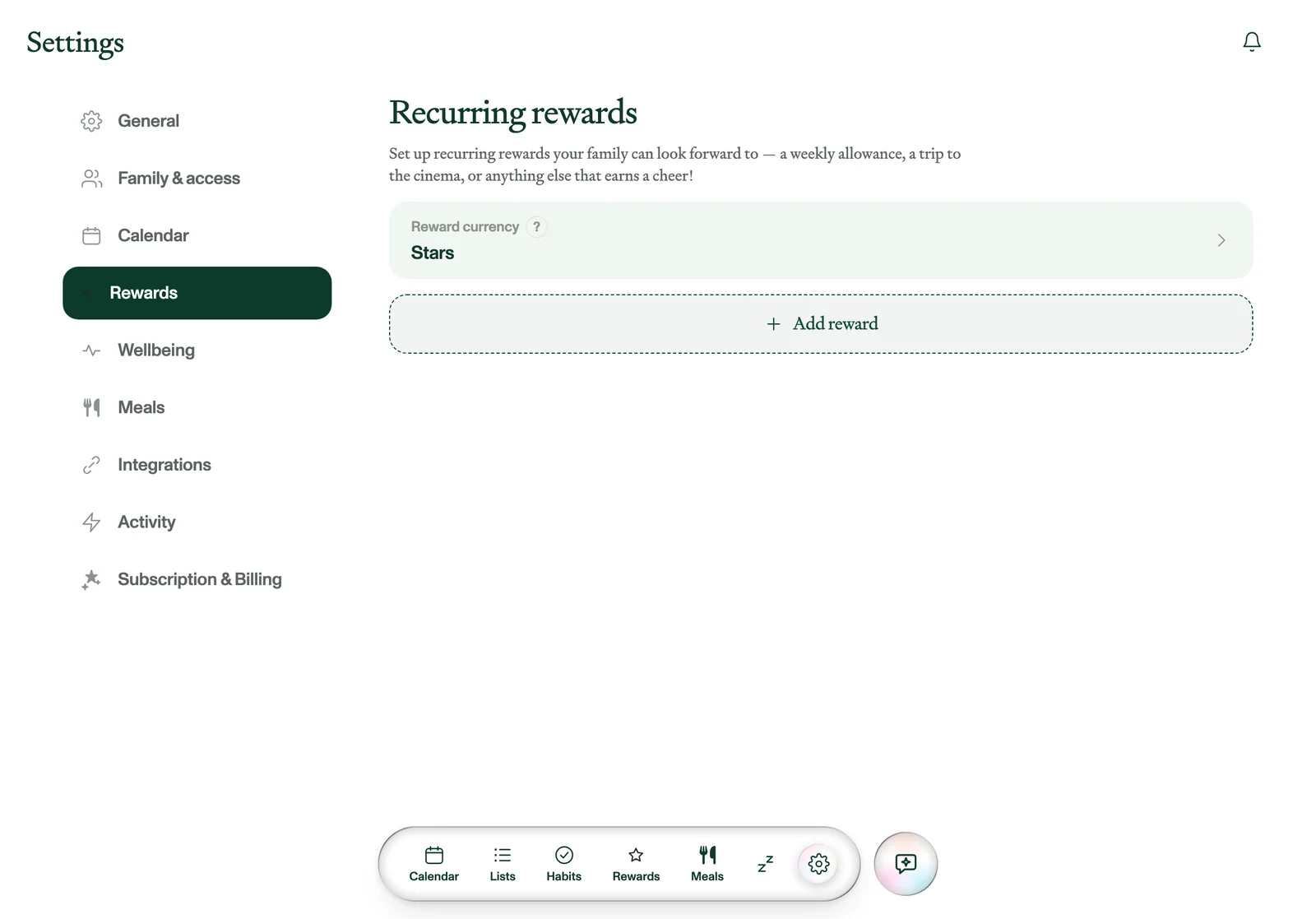
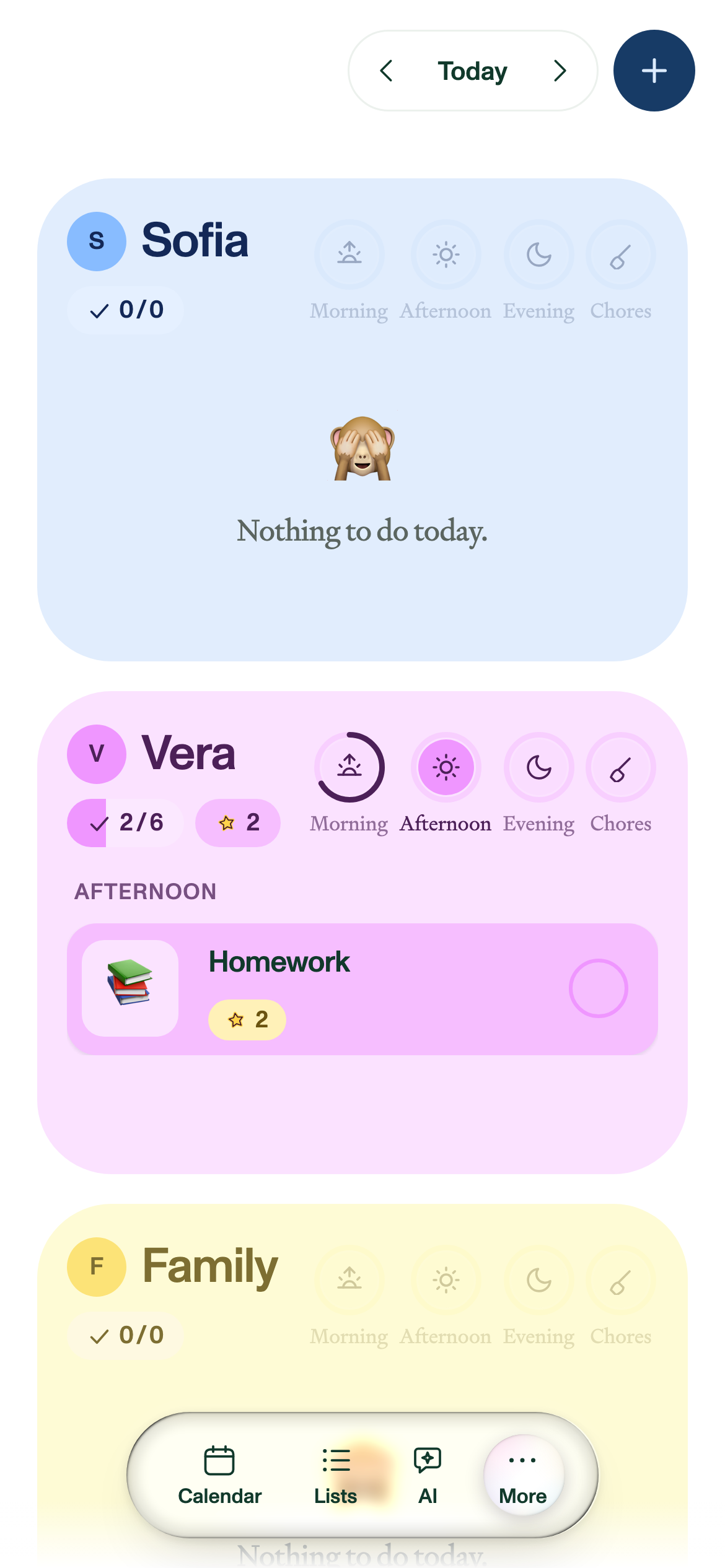
Kids tick off their own routines for the morning, afternoon and evening, plus chores, and earn whichever currency the family picked, tickets or stars. Parents decide what the rewards are and what they cost, and the balance goes down when it's spent.
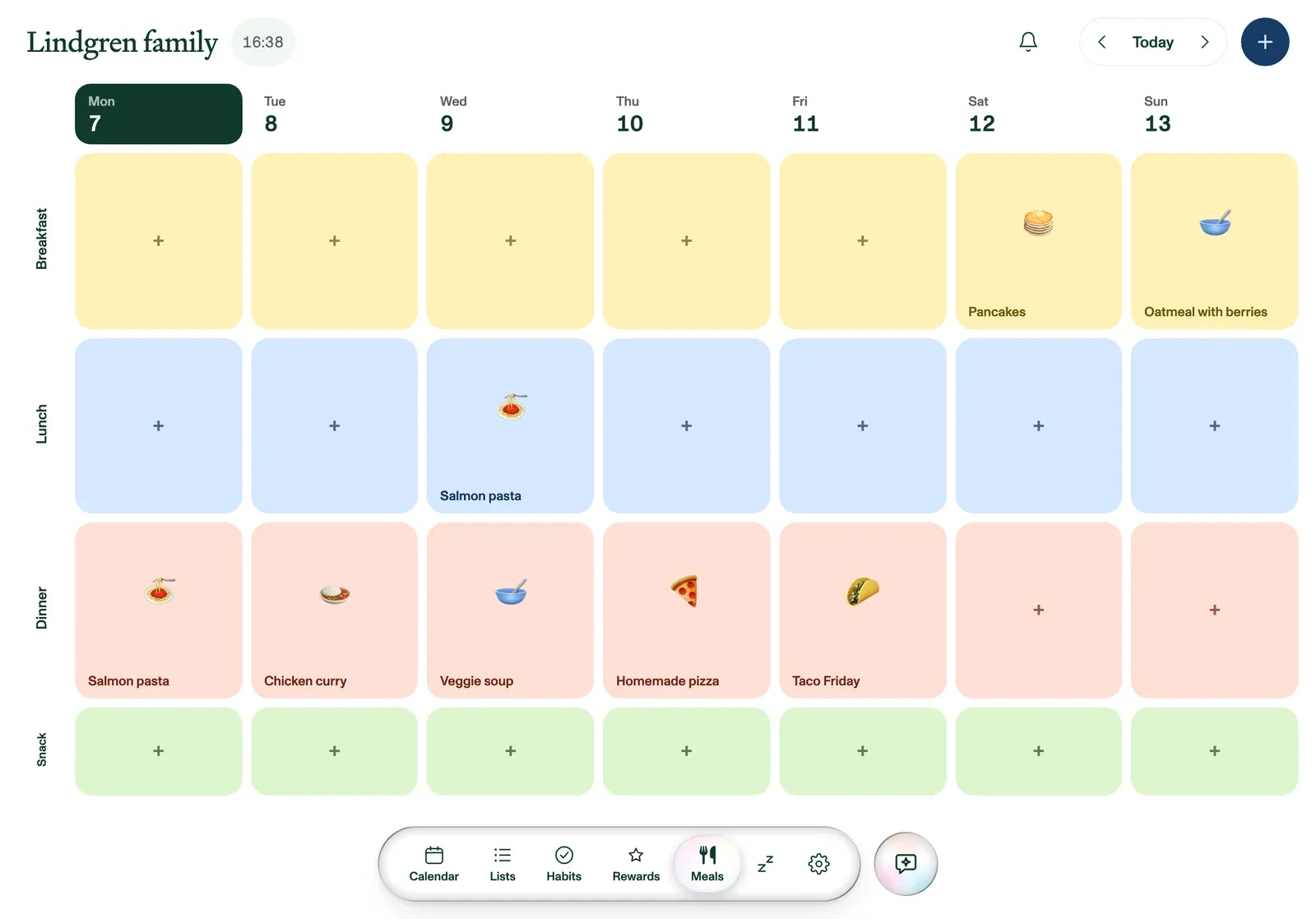
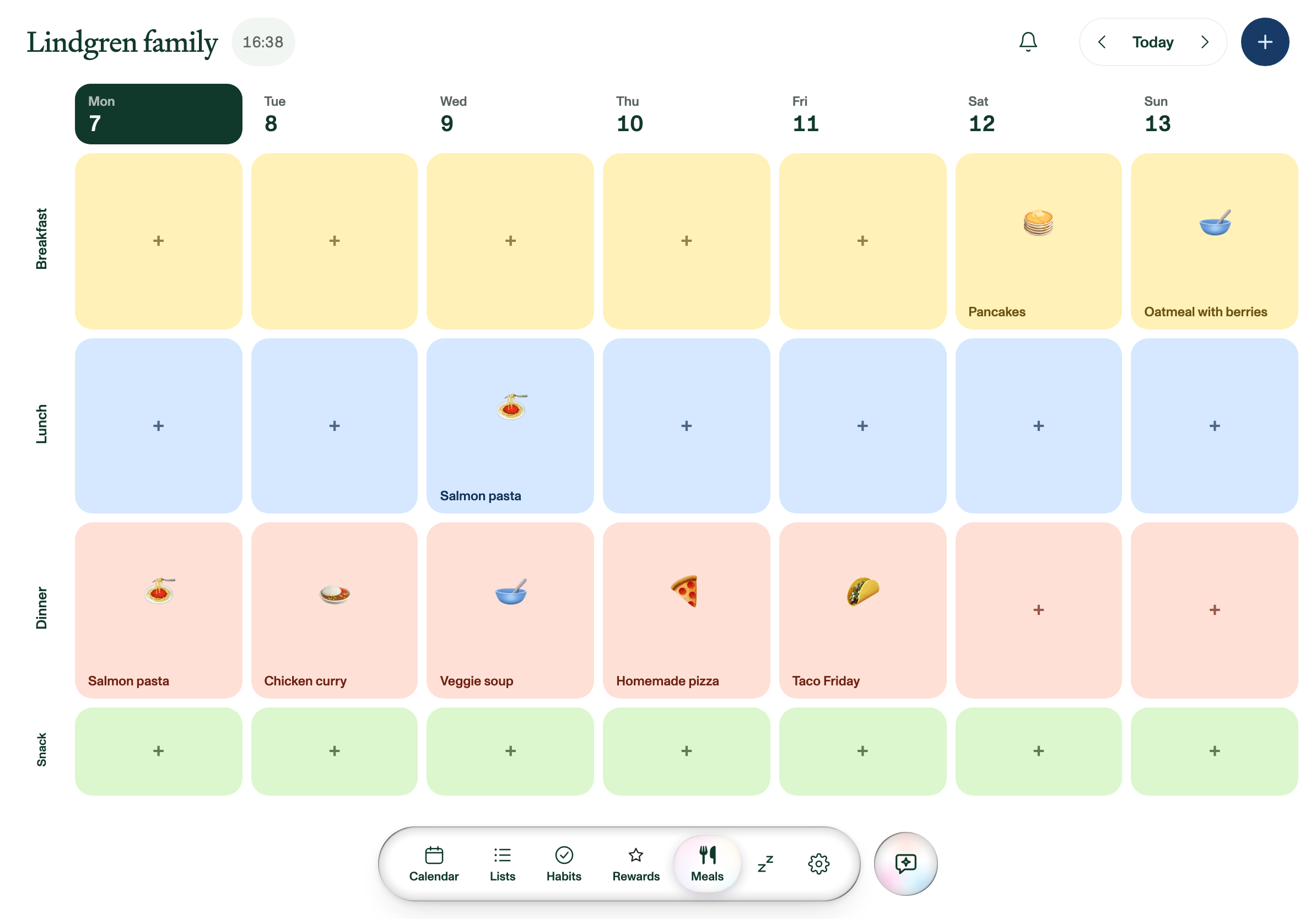
The week is a grid: breakfast, lunch, dinner and snack, seven days across. Paste a recipe link and it becomes a meal, and its ingredients go straight onto the grocery list.
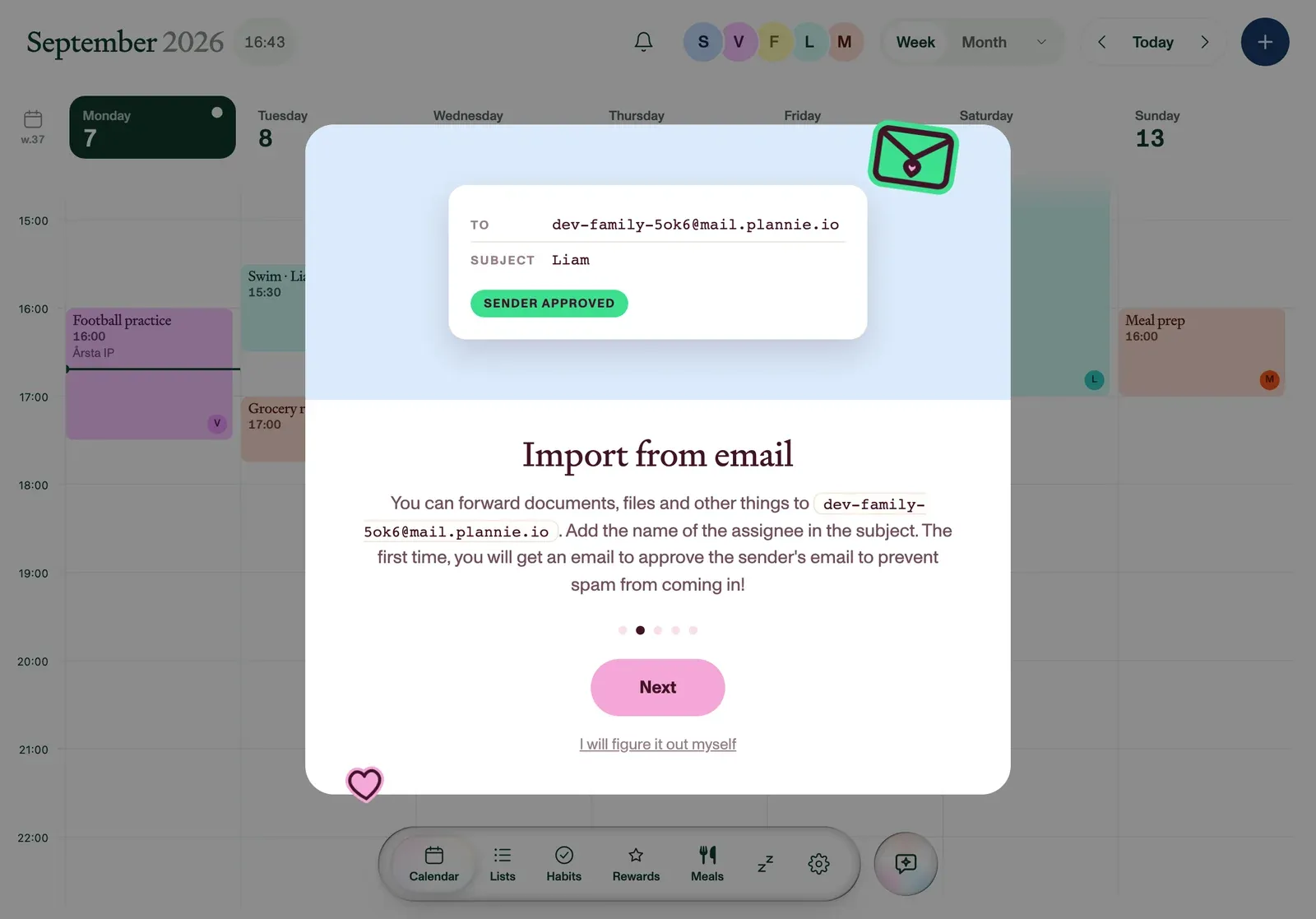
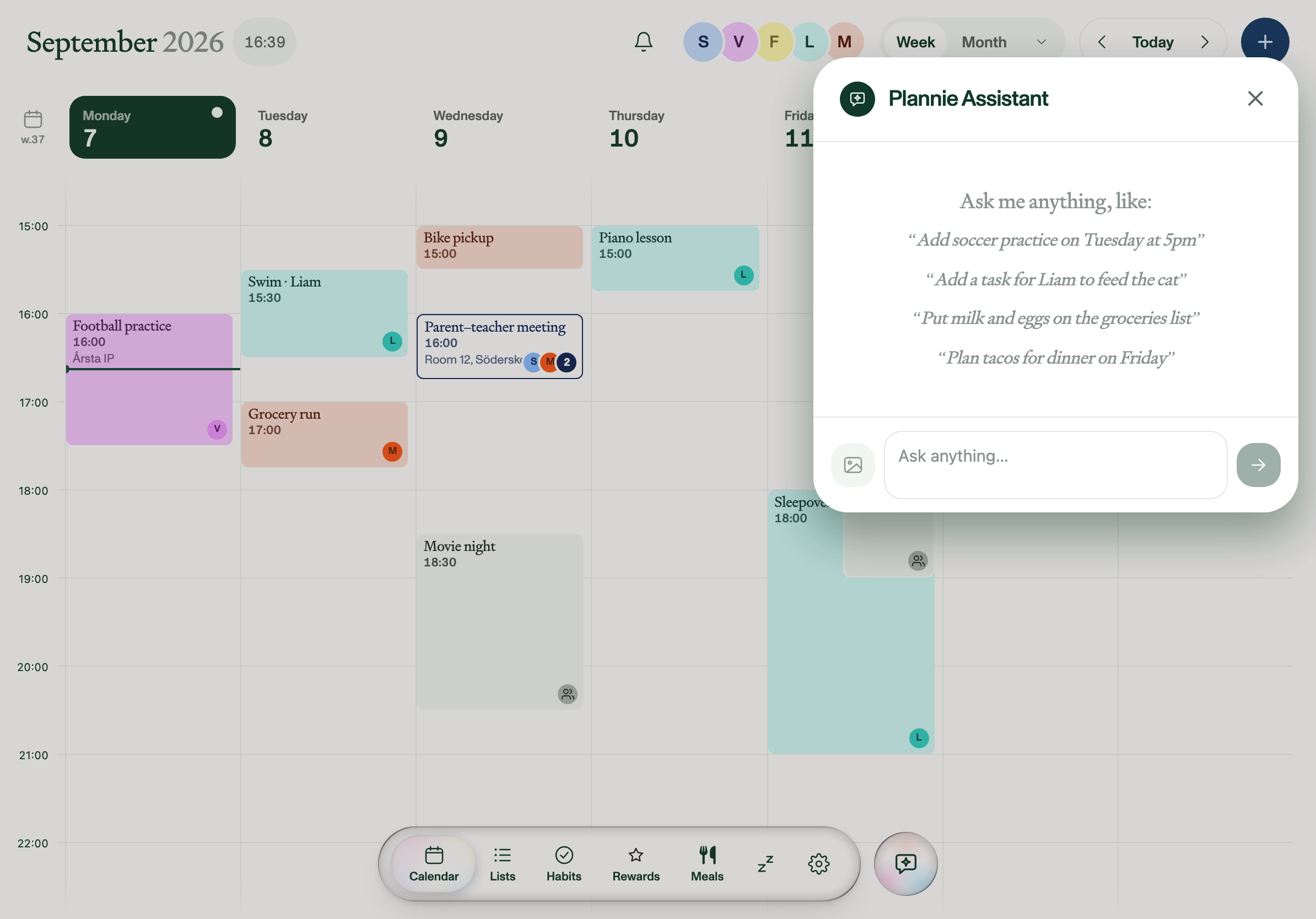
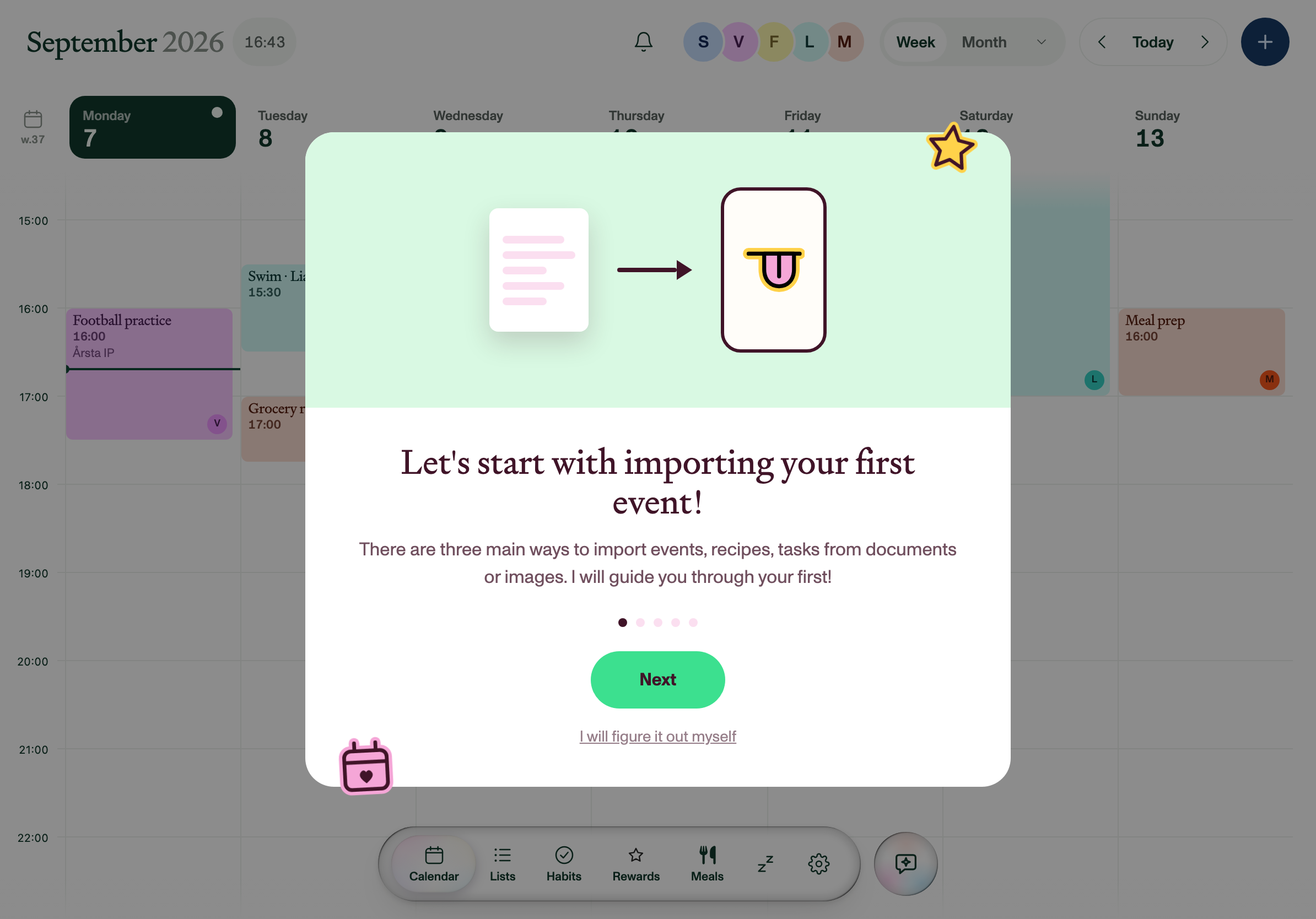
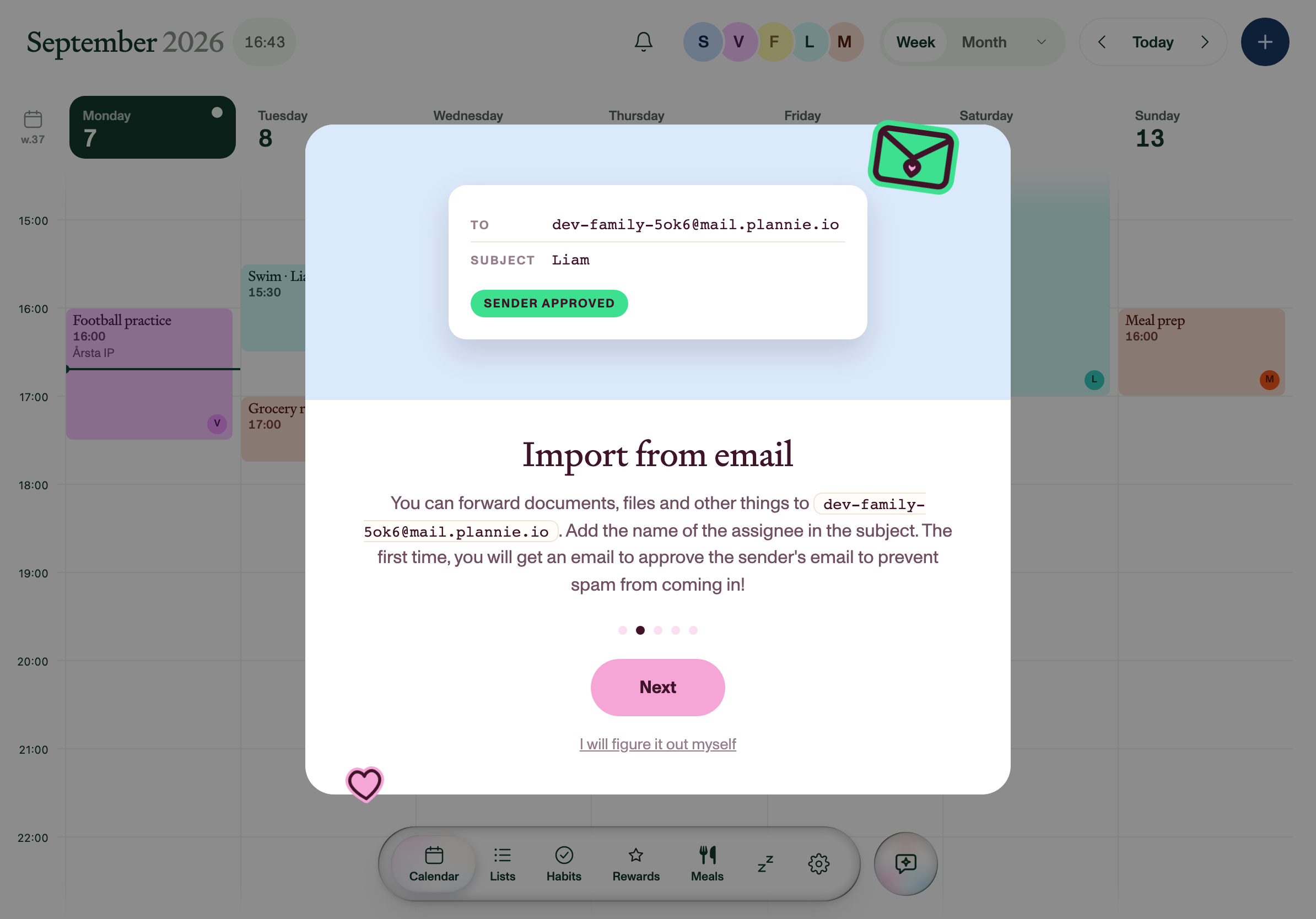
Every household gets its own email address. Forward a school letter, snap a photo of a paper note or share from any app on your phone, and Plannie reads it and files the events. Ask it directly by chat, or by voice through Siri. An open REST API and an MCP server put the same household behind your own agent.
The phone app shows the same household as the tablet: the day ahead, invitations to answer, habits to tick off. It's on the App Store, and Android is in the works.
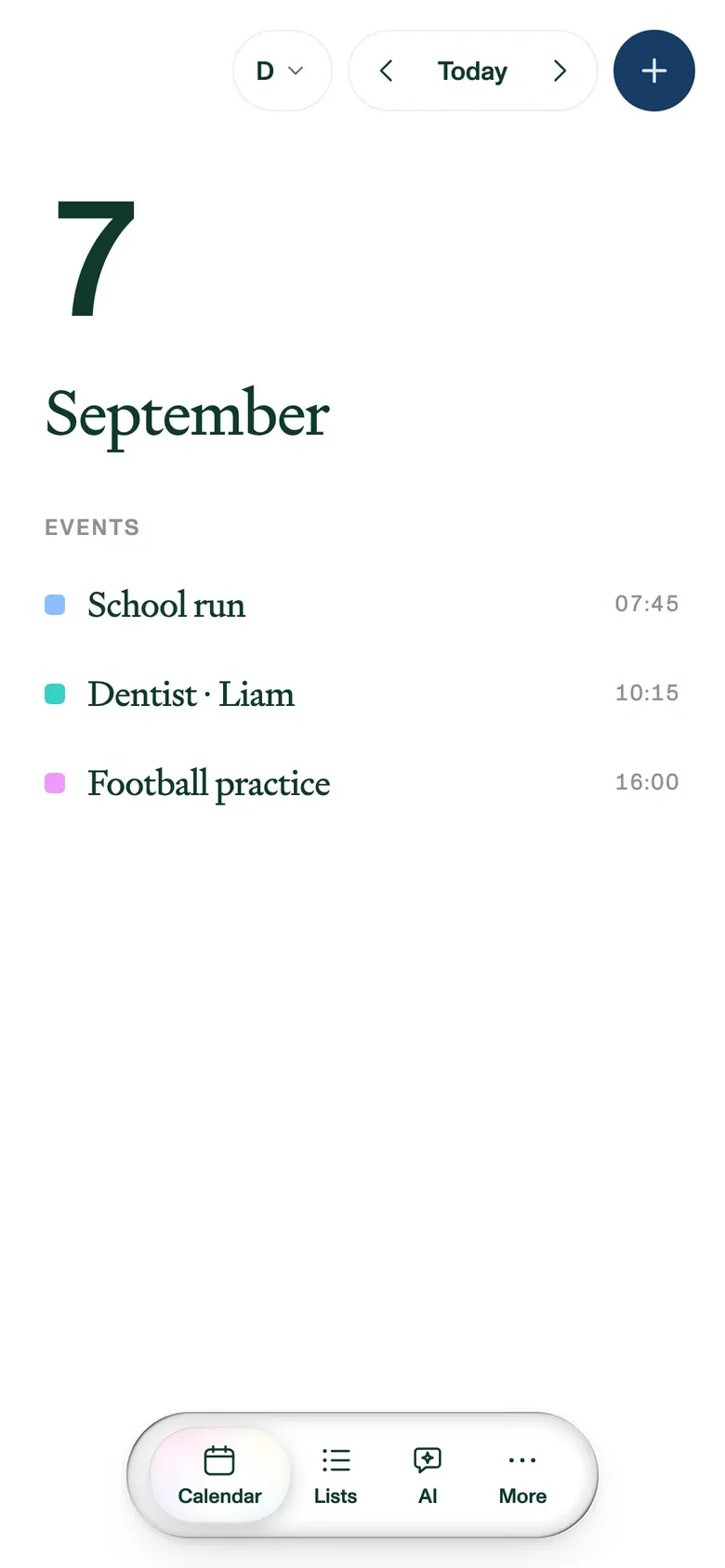
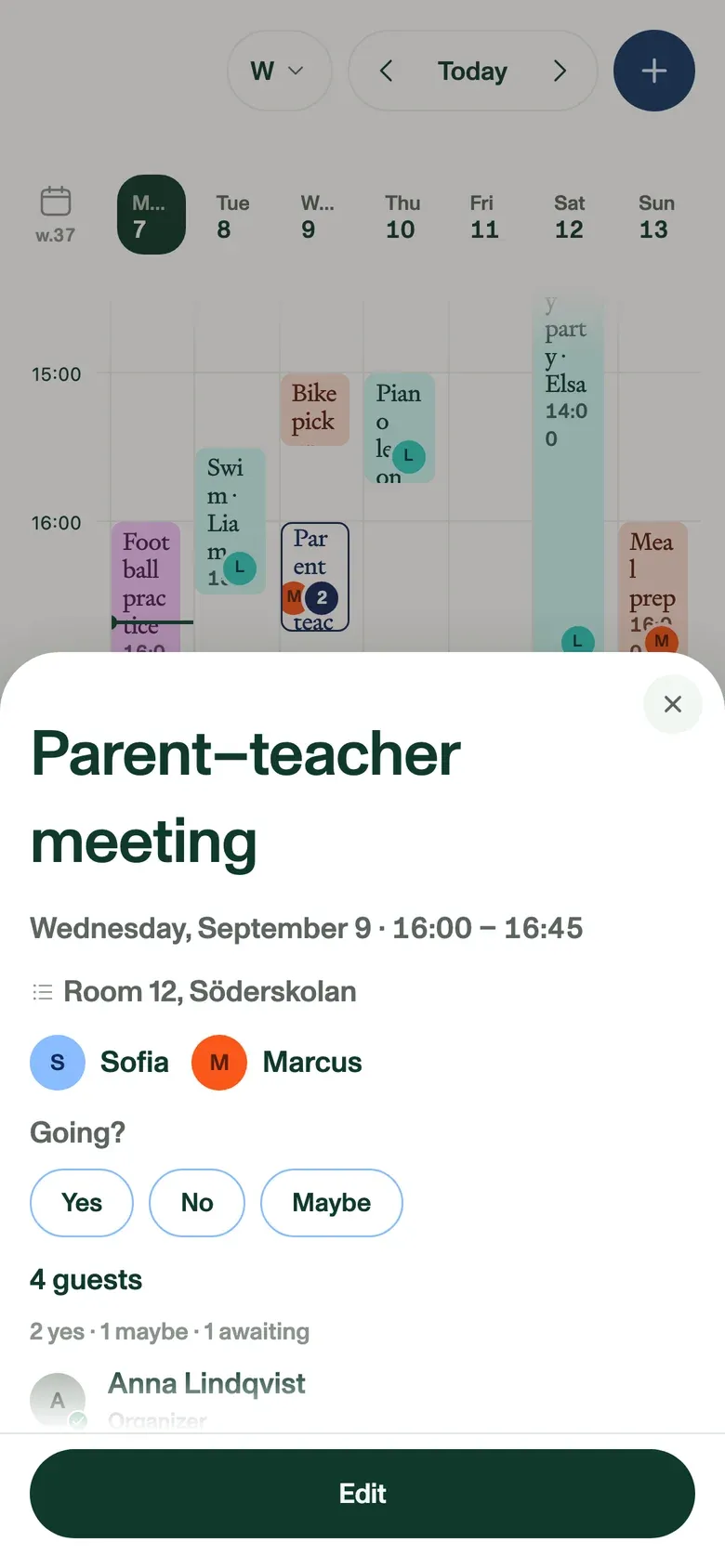
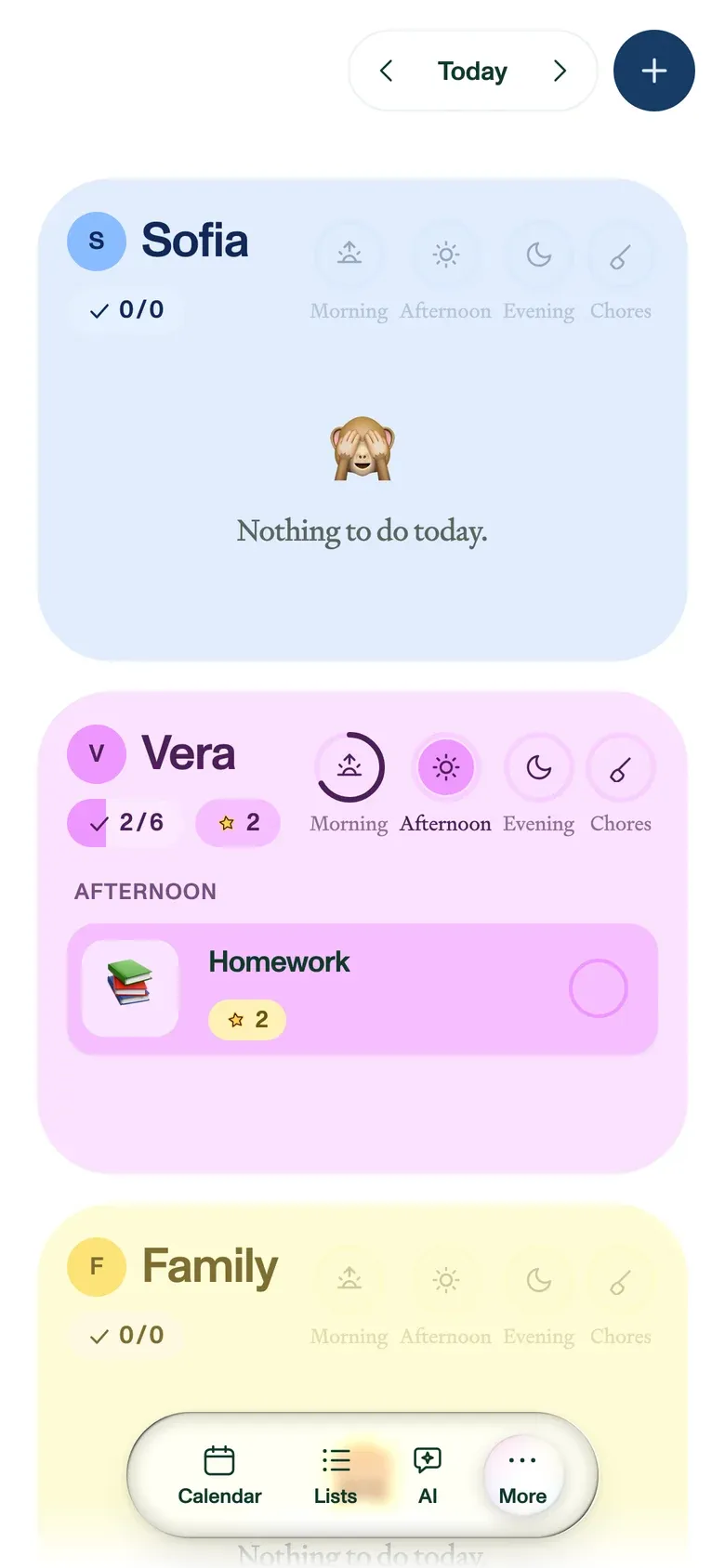
Every screenshot shows a demo family, so the names, photos and events in them are made up. You are free to use them in coverage of Plannie. A credit to Plannie is appreciated. Tablet screenshots are 2388 × 1668 PNG (the portrait one is 2048 × 2732) and phone screenshots are 1170 × 2532 PNG; a few are WEBP only. The format and size are under each one.
All of these are in the .zip as well. Pick the version that suits your background rather than editing one to fit.






#FFF3E3 #401428 #3CE08F #0F5132 #FFD24A #F5A6D7 #F1702B #14477E Press enquiries go through the contact form. Write "Press" in your message and it reaches the right people. Feature requests, bugs and the public roadmap live on feedback.plannie.io.
We're glad to set a reviewer up with a Premium household to test with, to talk through how the sync or the assistant works, or to dig out a screenshot that isn't on this page.