

Planning your week’s meals
The Meals tab lays the week out as a grid, with days across the top and meal types down the side, so dinner planning becomes a five-minute Sunday ritual. Meals are part of Plannie Premium.
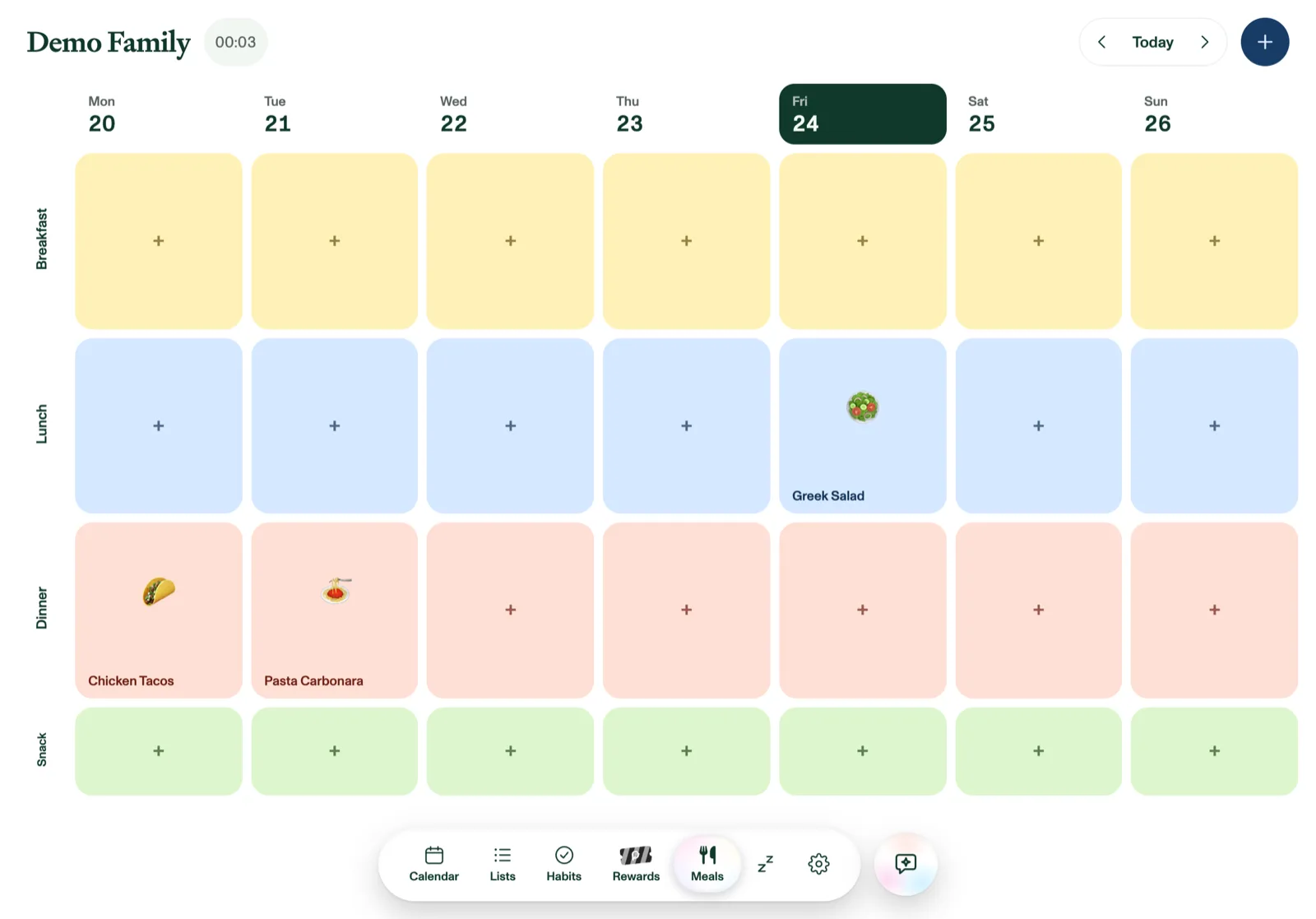
Plan the week
Tap any square to schedule a meal there, picking from your recipes. Drag a meal between squares to move it. A square can hold two meals side by side when needed.
Rows cover breakfast, lunch, and dinner, plus optional morning and afternoon snacks. Both snack rows are off until you need them; turn rows on or off under Settings → Meals.
Recipes
Add recipes with the + button: name, emoji, prep time, ingredients, instructions, and a photo. A dish's photo shows on its square in the weekly grid, in your recipe library, and on the recipe card when you open a meal. Numbered instructions ("1. … 2. …") are shown as tidy step-by-step rows on the recipe card.
You can also import a recipe from a link or a photo. Plannie reads the ingredients and steps for you, and picks up the dish photo too (from the web page, or the photo you imported). Or ask Plannie Assistant to "plan tacos for dinner on Friday."
From plan to shopping list
Generate grocery list collects every ingredient from the week's scheduled meals, de-duplicates them, and drops them onto your Groceries list, ready for the store.
Missing just one thing? On a meal's recipe card, tap the little basket next to any ingredient to send that one ingredient to Groceries. The basket turns into a check, and anything already on the list isn't added twice.