

Flyer to calendar: the backpack paper, handled.
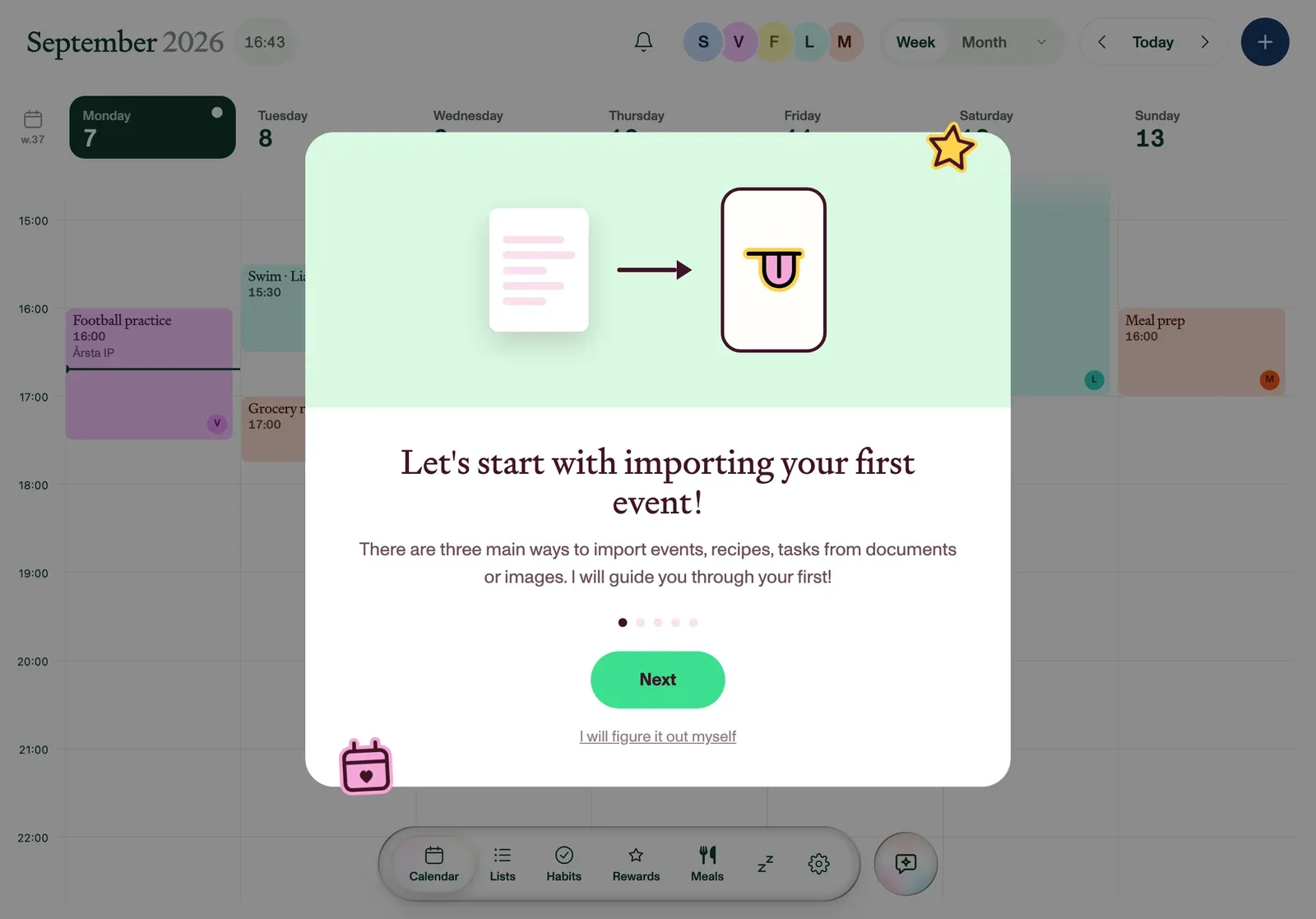
Every backpack is a courier service for dates on paper. Photograph the flyer and Plannie reads it (bake sale, class trip, picture day) straight onto the family calendar.
HOW IT WORKS
- Rescue the flyer. From the backpack, the fridge, or the noticeboard, while it’s still legible.
- Snap it in Magic Import. Open Magic Import in Plannie and photograph the flyer; multiple pages are fine.
- Done. Check the calendar. Every date on the paper is now an event in the right member’s colour, each with Undo.
From crumpled paper to a plan everyone sees
The flyer problem is that one parent reads it, and the information stops there. When the flyer lands on the shared calendar instead, both parents see picture day coming, the kiosk tablet in the kitchen shows it all week, and the reminder reaches whoever's doing pickup.
Frequently asked
How do I get a school flyer into the family calendar?+
Photograph it. Open Magic Import in Plannie, snap the flyer from the backpack, and Plannie reads the event name, date, time and place off the paper and adds it to your shared family calendar, with an Undo on everything it created.
What if the flyer has several dates on it?+
Plannie extracts all of them. A term-dates flyer or a tournament schedule becomes a set of separate events, each with its own date and time, rather than one note you have to expand by hand later.
The flyer came home crumpled. Will it still read?+
Usually, yes. Plannie reads the photographed page like a person would, so ordinary crumples, angles and fridge-photo lighting are fine. If something is illegible you can add a line of context with the photo, and everything it creates is undoable.
Can the school email flyers in directly?+
Yes, that’s Family Inbox. Your household gets its own email address; approve the school as a sender once, and every newsletter or flyer they send lands as events without anyone photographing anything. Flyer photos and forwarded email end in exactly the same place: the shared calendar.
Which plan do I need?+
Magic Import and Family Inbox are Plannie Premium features. One $99/year plan covers the whole household. The shared family calendar itself, with two-way Google and Outlook sync, is on the free plan.
Stop typing dates by hand
Start free in your browser. No card, no install.
Empty the backpack faster