

Photo to calendar: point, snap, planned.
The practice schedule on paper, the poster by the school gate, the screenshot in the group chat: take a picture and Plannie reads every date into the family calendar.
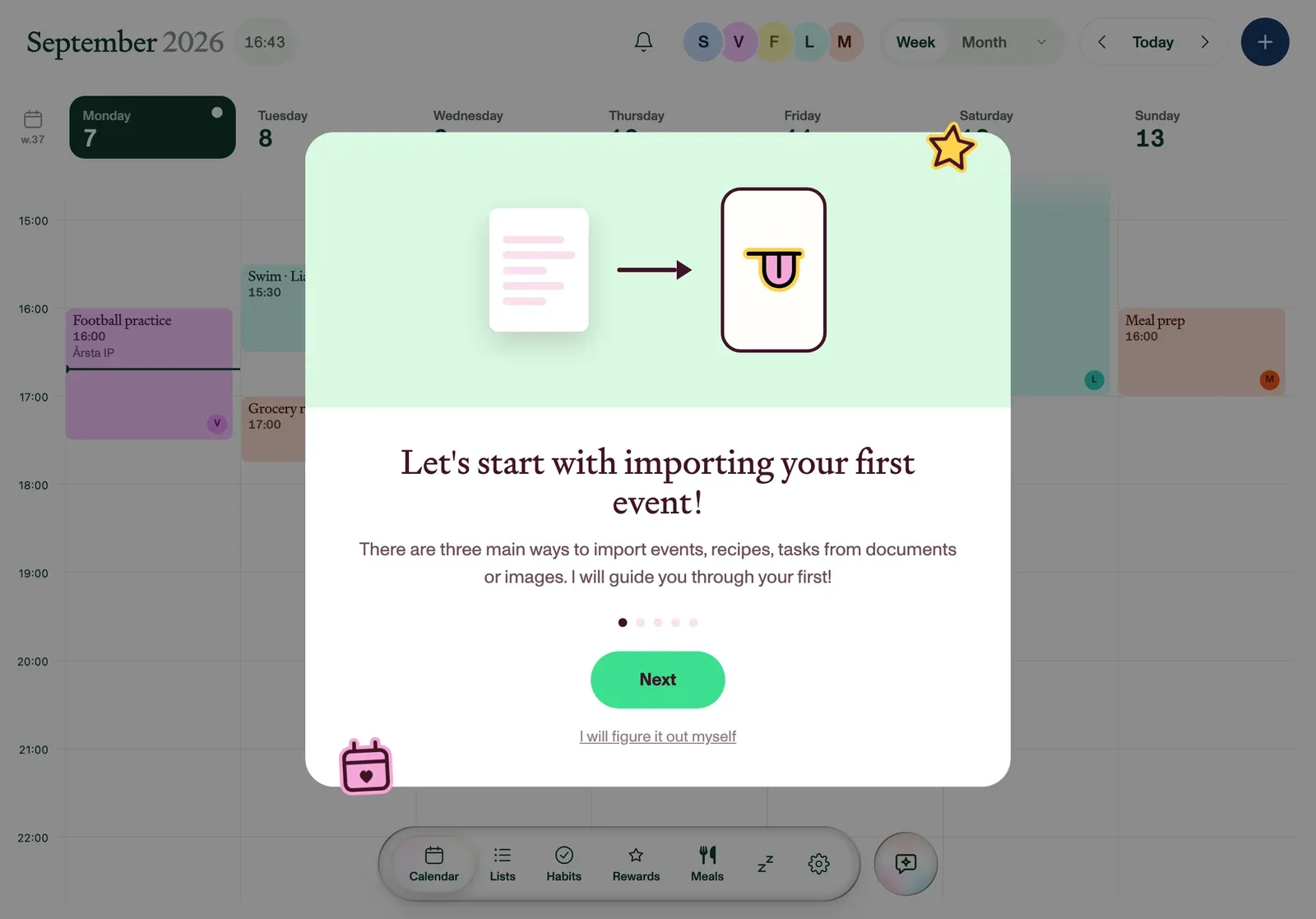
HOW IT WORKS
- Open Magic Import. From the sparkle button or Settings, or share a photo to Plannie straight from your camera roll.
- Snap or pick the photo. Up to four images at once; add a line of context if the picture needs it.
- Review what landed. Every event Plannie read is on the calendar with an Undo. Nothing is locked in.
Family plans start on paper. They don't have to stay there
Schools, clubs and kindergartens still run on paper and PDFs. Magic Import means the paper only has to be photographed once: Plannie pulls out every session, match and deadline, assigns sensible titles and times, and puts them on the shared calendar where the whole household can see them, in the right member's colour.
Frequently asked
How do I add a photo of a schedule to my calendar?+
In Plannie, open Magic Import, snap the schedule with your camera or pick it from your photo library, and Plannie reads every date, time and place in the picture and adds the events to your shared family calendar. Each one has an undo button in case it read something you didn’t want.
What kinds of photos work?+
Anything with dates on it: a paper schedule on the fridge, a whiteboard at practice, a poster at school, a screenshot of a group chat. You can attach up to four images at once (JPEG, PNG, GIF, WebP and iPhone HEIC photos all work) and add a note for context.
Can I share a photo straight from my camera roll?+
Yes. Plannie appears in the share sheet. Share a photo from Photos, Safari or Files to Plannie and it lands in Magic Import with the file already attached, ready to read.
Does photo import create events without asking?+
Photos you choose to import are treated as trusted, so Plannie applies what it reads immediately, and every created item has one-tap Undo. Content from pasted links is previewed first instead, so nothing from the open web is created without your confirmation.
Is Magic Import free?+
Magic Import is part of Plannie Premium, $99 a year for the whole household. The free plan covers the shared calendar with two-way Google and Outlook sync, so you can start free and upgrade when you’re tired of typing dates.